Preparations
Turning the power on and off
14
Turning the power on and off
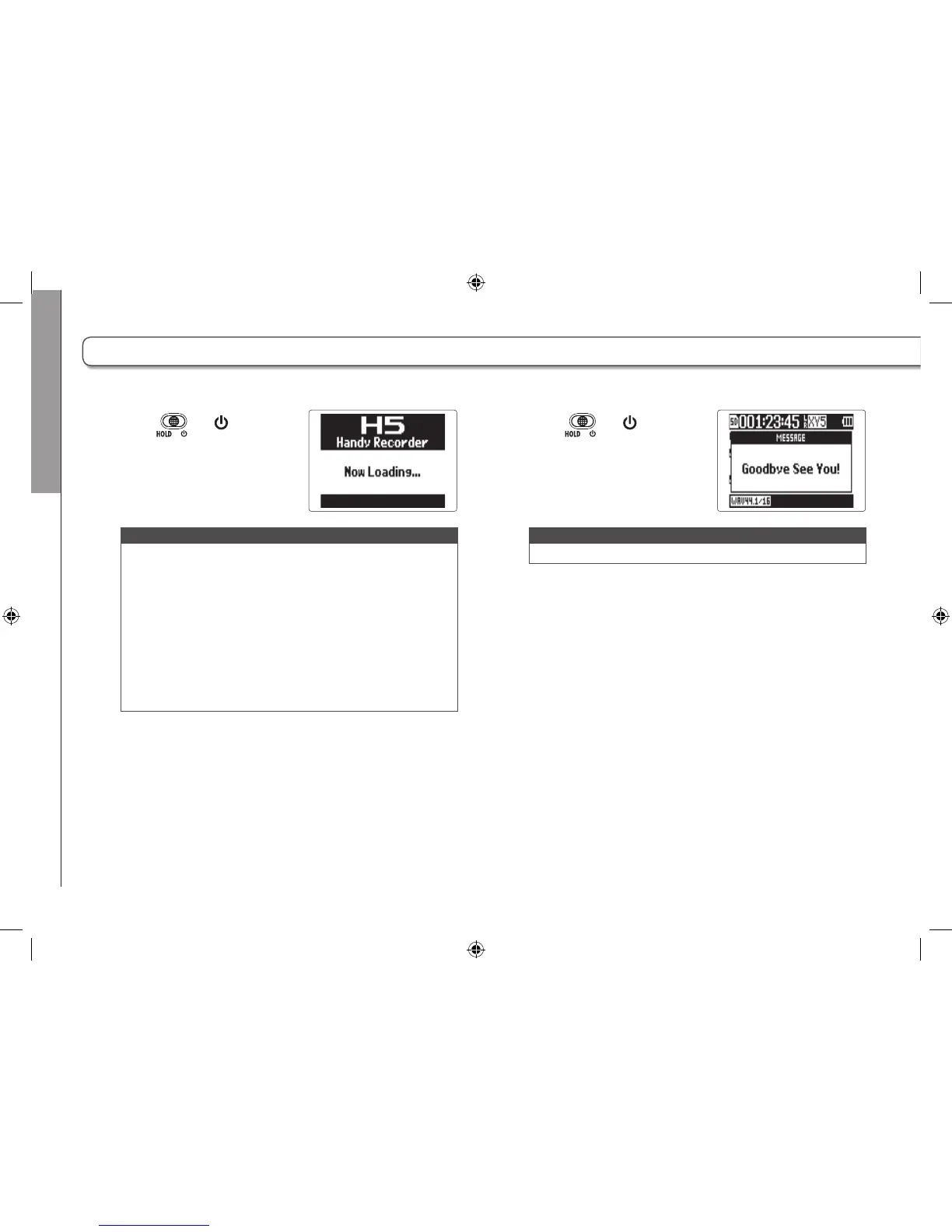
Turning the power on
1. Slide to .
NOTE
•
The first time you turn the power on after purchase, you
must set the date/time. (→ P. 16)
•
If “No SD Card!” appears on the display, confirm that
the SD card is inserted properly.
•
If “Card Protected!” appears on the display, the SD card
write-protection is enabled. Slide the lock switch on the
SD card to disable write-protection.
•
If “Invalid SD Card!” appears on the display, the card is
not correctly formatted. Format the card or use a differ-
ent card. See “Formatting SD cards”. (→ P. 106)
Turning the power off
1. Slide to .
NOTE
Keep sliding the switch until "Goodbye See You!" appears.



 To Next Page