Recording
Selecting inputs and adjusting levels
22
Selecting inputs and adjusting levels
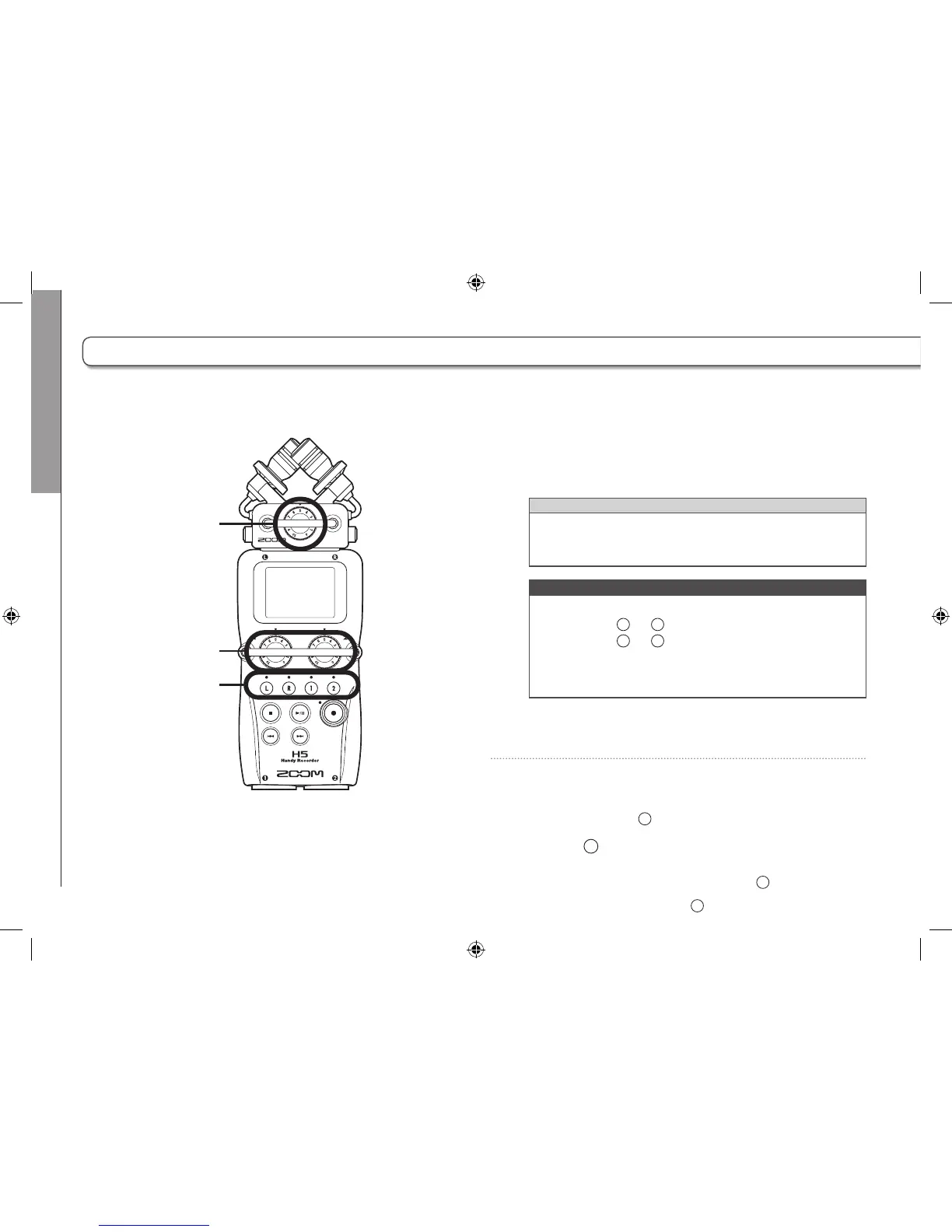
Select whether to use the L/R inputs and Inputs 1/2.
In MULTI FILE mode, the L/R inputs will be recorded to the L/R tracks and Inputs 1/2 will be recorded to tracks 1 and 2.
1. Press the buttons of the tracks that you want to
record.
HINT
The indicators of the selected track buttons light red, and
you will be able to monitor the signals input on these tracks
through the headphones and line outputs.
NOTE
•
In STEREO FILE mode, you can select the L/R inputs by
pressing the
track button.
•
In STEREO FILE mode, the L/R inputs and the Inputs 1/2
are selected in pairs. You cannot select just one of either
pair.
When using STEREO FILE mode, skip to step 3.
2. To record Inputs 1/2 as a stereo file in MULTI FILE
mode, press the
2



 To Next Page