Tools
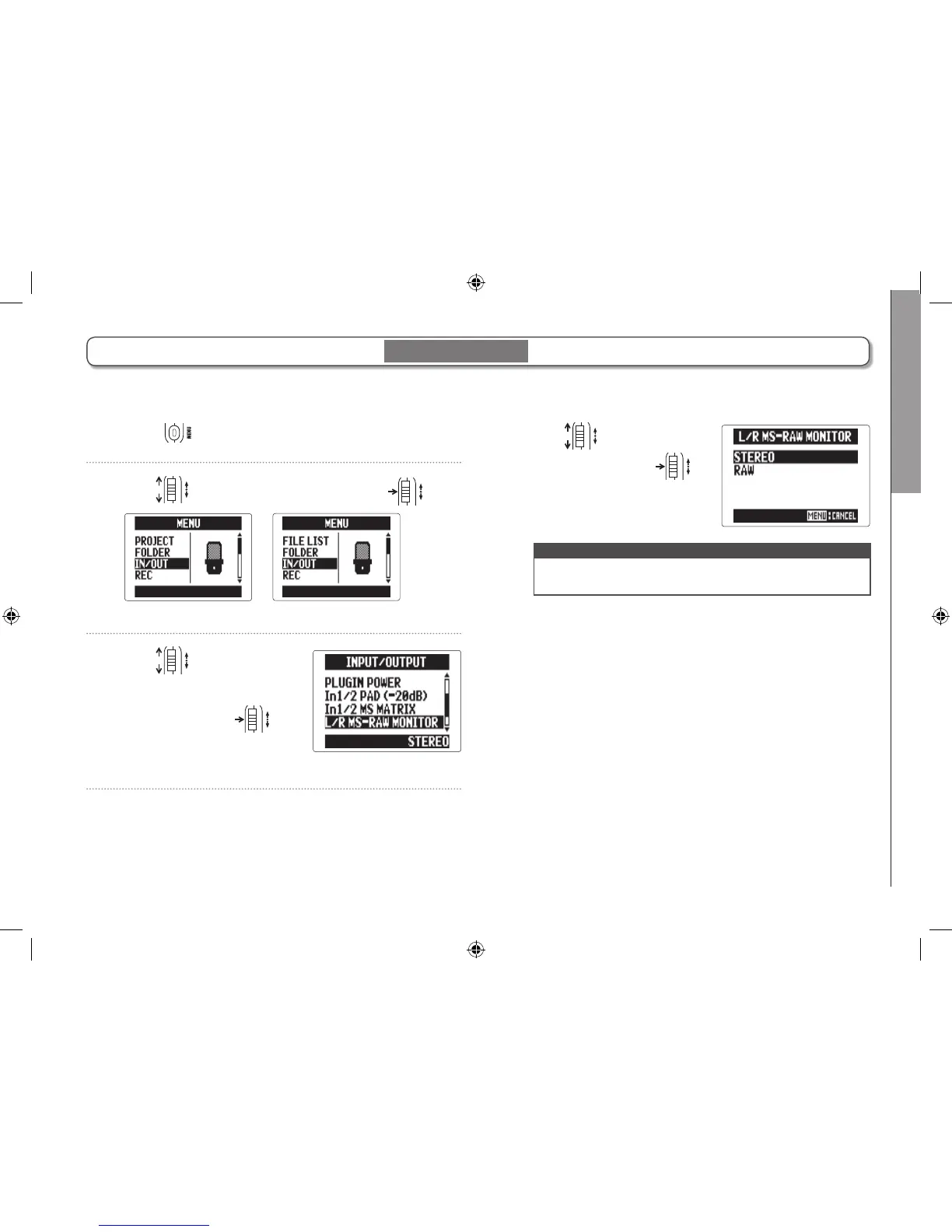
Monitoring MS-RAW signals
85
H5 Handy Recorder
Monitoring MS-RAW signals
1. Press .
2. Use to select “IN/OUT", and press .
MULTI FILE mode
STEREO FILE mode
3. Use to select
“L/R MS-RAW MONI-
TOR", and press
.
When recording in MS-RAW mode with an MS capsule, you can monitor the mid mic input through the left channel and the
side mic input through the right channel as is.
4. Use to select
“RAW", and press
.
NOTE
Select “STEREO” if you want to monitor with an ordinary
stereo mix.
MS-RAW mode only



 To Next Page