Recording
Recording
24
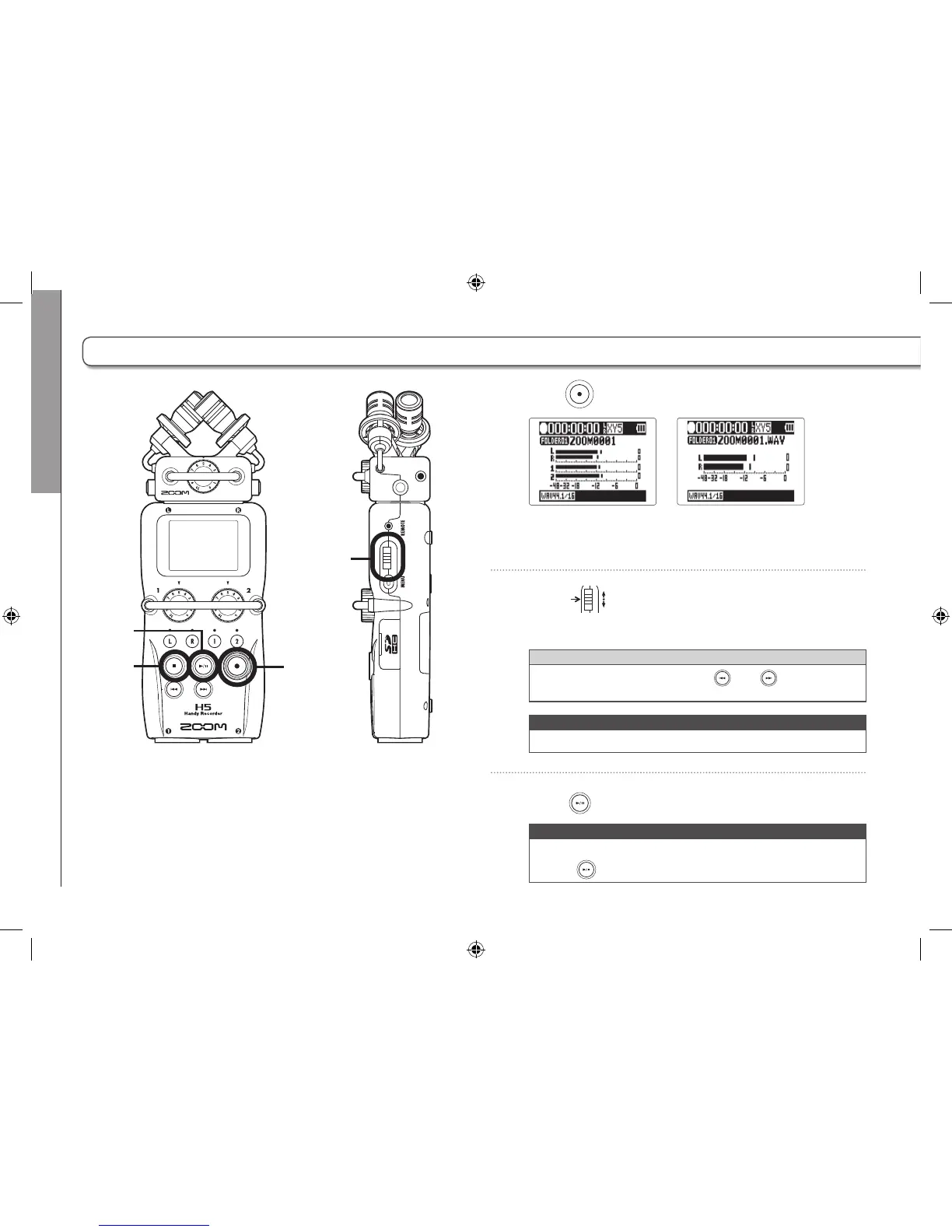
1. Press .
MULTI FILE mode
STEREO FILE mode
This starts recording.
2. Press to add a mark that can be used as a
reference during playback.
HINT
During playback, you can press
and to jump to
places where marks have been added.
NOTE
•
Marks can only be added to WAV format files.
3. Press to pause.
NOTE
•
When recording is paused, a mark is added at that point.
•
Press
to resume recording.
Recording
1
3
4
2



 To Next Page