Other settings
Reducing the input signal level
98
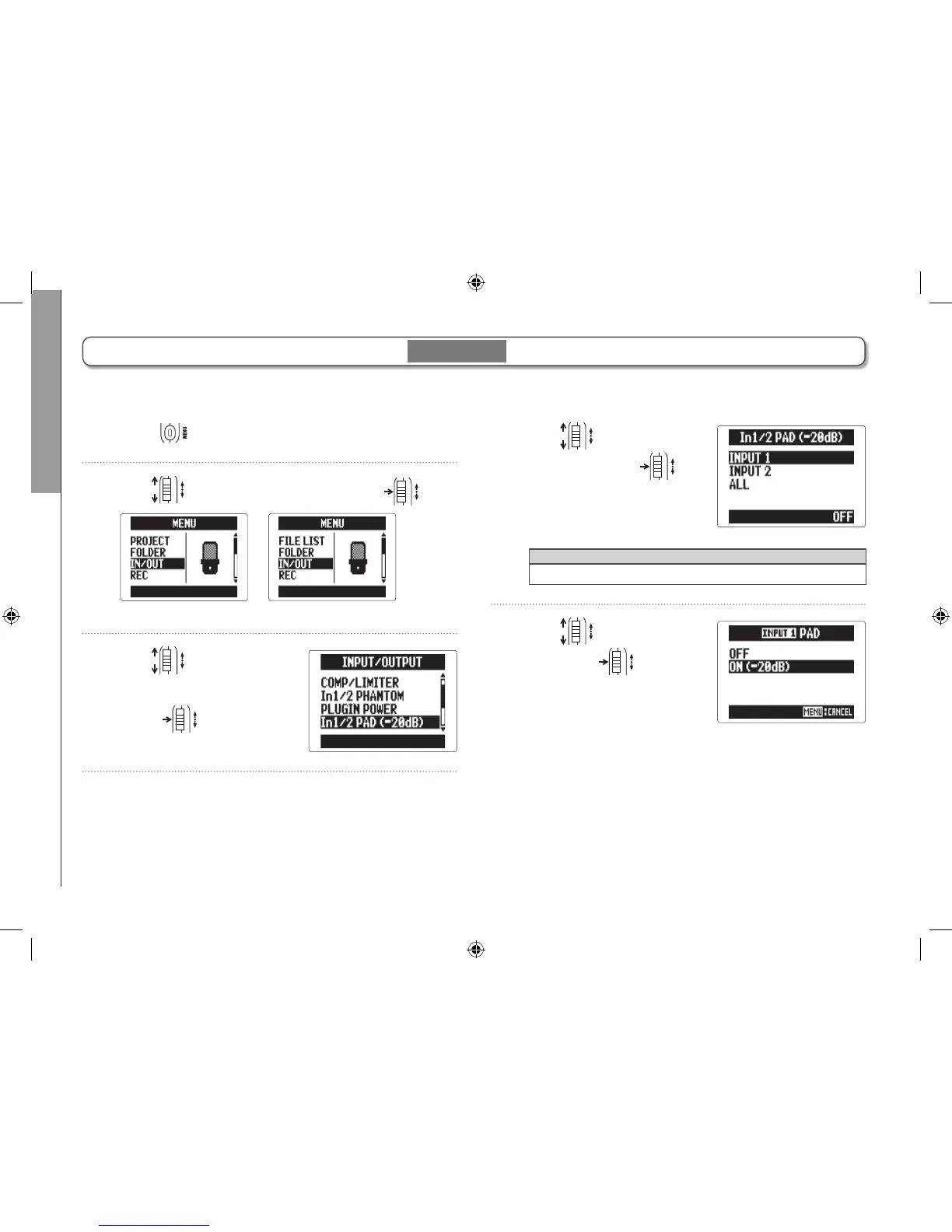
Reducing the input signal level
When connecting a mixer with a standard output level or +4dB, for example, you can set this unit to reduce the input signal
level −20 dB.
1. Press .
2. Use to select “IN/OUT", and press .
MULTI FILE mode
STEREO FILE mode
3. Use to select “In1/2
PAD (−20dB)", and
press
.
4. Use to select the
input, and press
.
HINT
Select ALL to use the pad on both inputs.
5. Use to select “ON",
and press
.
Input 1/2 only



 To Next Page