303D Systems, Inc.
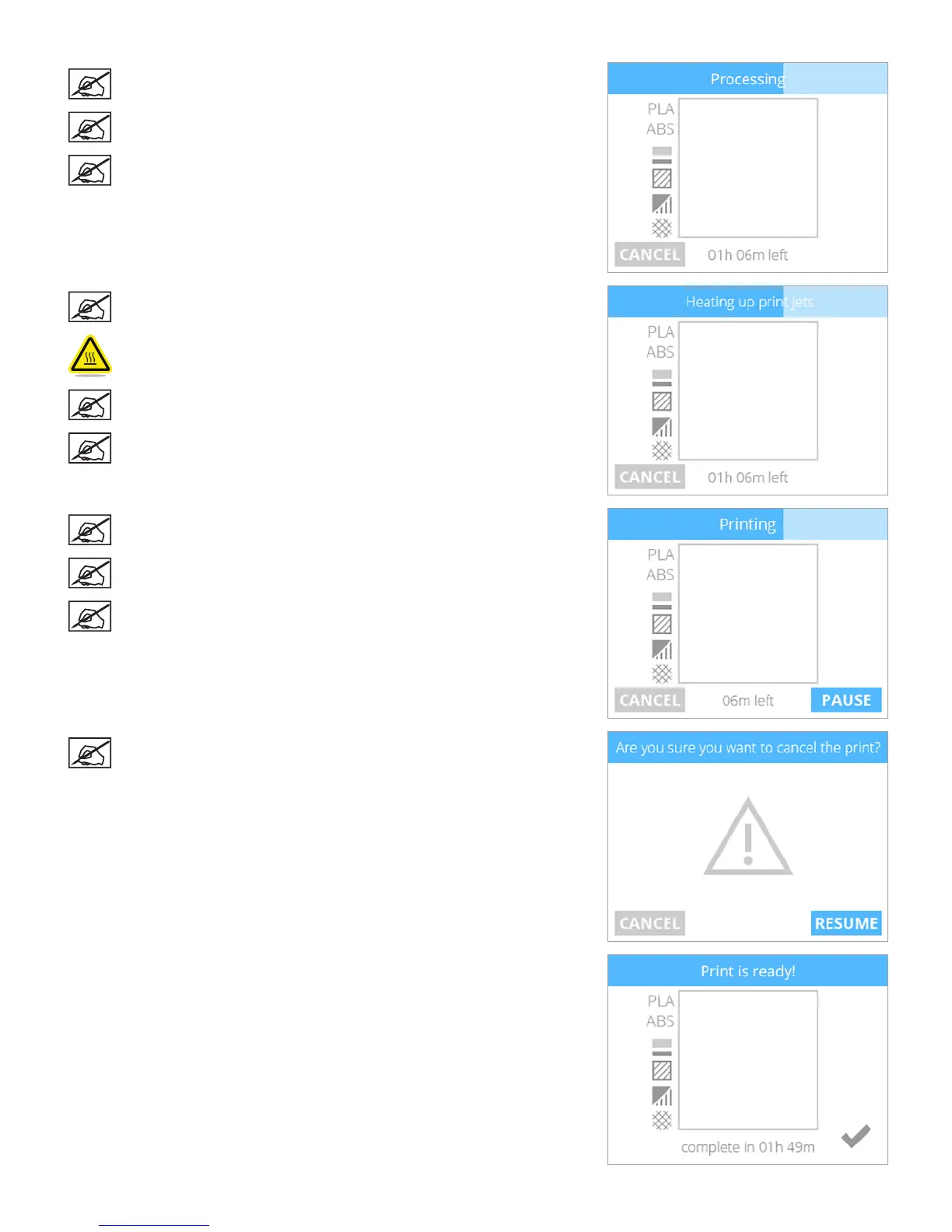
NOTE: The printer will load the print le.
NOTE: The estimated time to completion is noted at the bottom of
the screen.
NOTE: The blue bar at the top is also a progress indicator that shows
the status of the loading process.
NOTE: The print jets will begin to heat.
CAUTION: Do not touch the print jets until they have cooled to room
temperature.
NOTE: The estimated time to completion is noted at the bottom of
the screen.
NOTE: The blue bar is a progress indicator that shows the status of
the print jet heating process.
NOTE: The blue bar is a progress indicator that illustrates the status
of the print.
NOTE: Select PAUSE to temporarily stop printing. Select CANCEL if
you wish to cancel the print job.
NOTE: Press the time at the bottom of the screen to view the
percentage of completion. Press it again to view how many layers
have been printed. After a few seconds, the default time will appear
again.
NOTE: If you selected CANCEL to cancel the print, select CANCEL
again to conrm your decision. Otherwise, select RESUME to
continue printing.
4. Once the printer has nished printing, select the checkmark to continue.











 To Next Page