Chapter 8. Configuring Units
136 3ware Serial ATA RAID Controller User Guide
Note: The unit is not actually created and no data is
overwritten until you have finished making all your changes
and press F8.
12 When you are finished making configuration changes, press
F8 to save
the changes and exit 3BM.
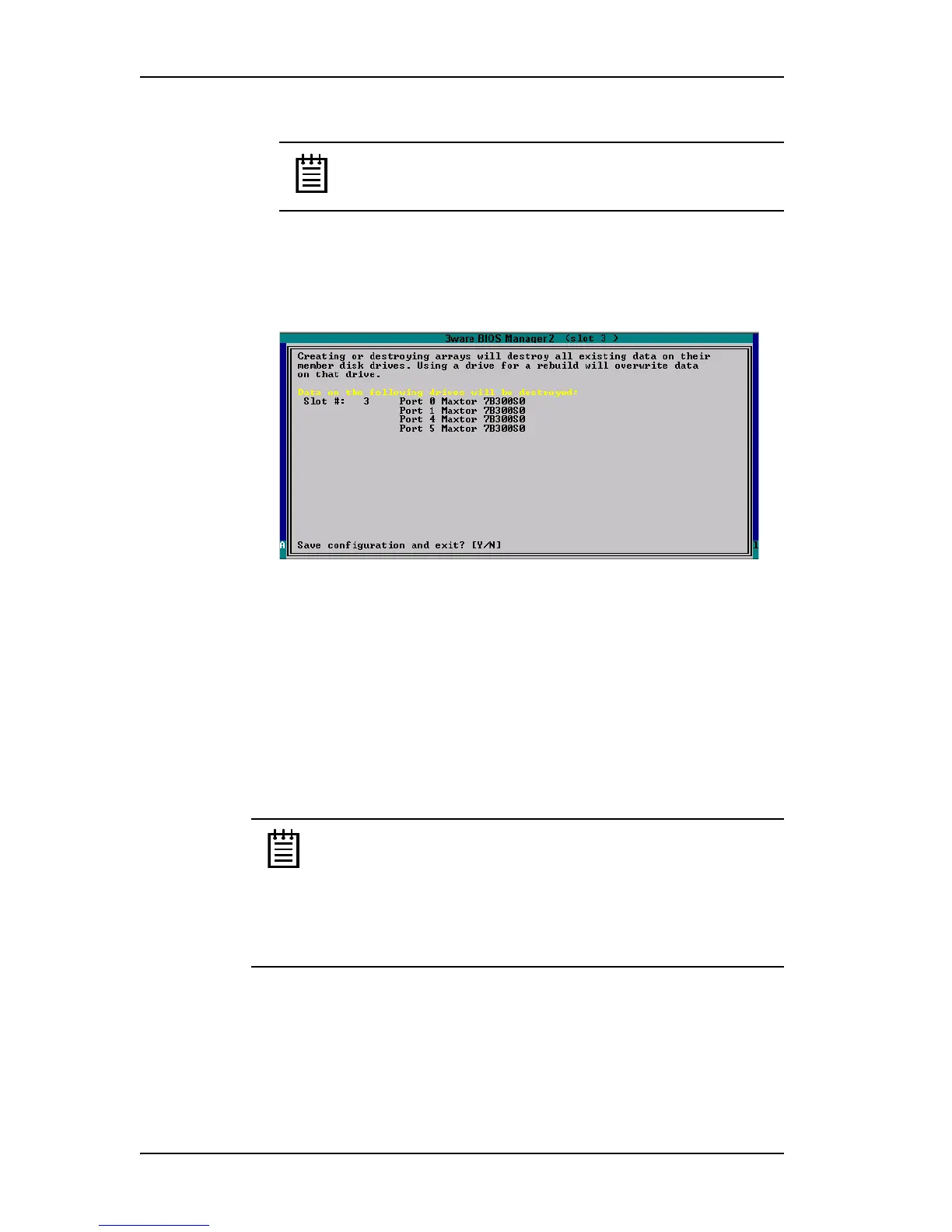
A warning message tells you that all existing data on the drives will be
deleted, and asks you to confirm that you want to proceed.
Figure 60. Confirmation Message when Saving and Exiting
If you made changes to units on more than one controller, the details
about changes about to be made may extend beyond one screen. In this
case, you use the
PgUp and PgDn keys to bring more information into
view.
13 Type
Y to continue, delete any existing data on the drives, and create the
unit.
14 Partition and format the units, as described under “Partitioning and
Formatting Units” on page 137.
Note: For RAID 5 units with 5 or more disks, and RAID 50 units
with a subunit of 6 disks, initialization of the unit begins
immediately. You can postpone initialization if you want to begin
using the units right away, however initialization from the BIOS is
faster than it is under the operating system, so it will be a longer
period of time until the unit has optimal performance. For more
information, see “About Initialization” on page 177.



 To Next Page