Rebuilding Units
www.3ware.com 193
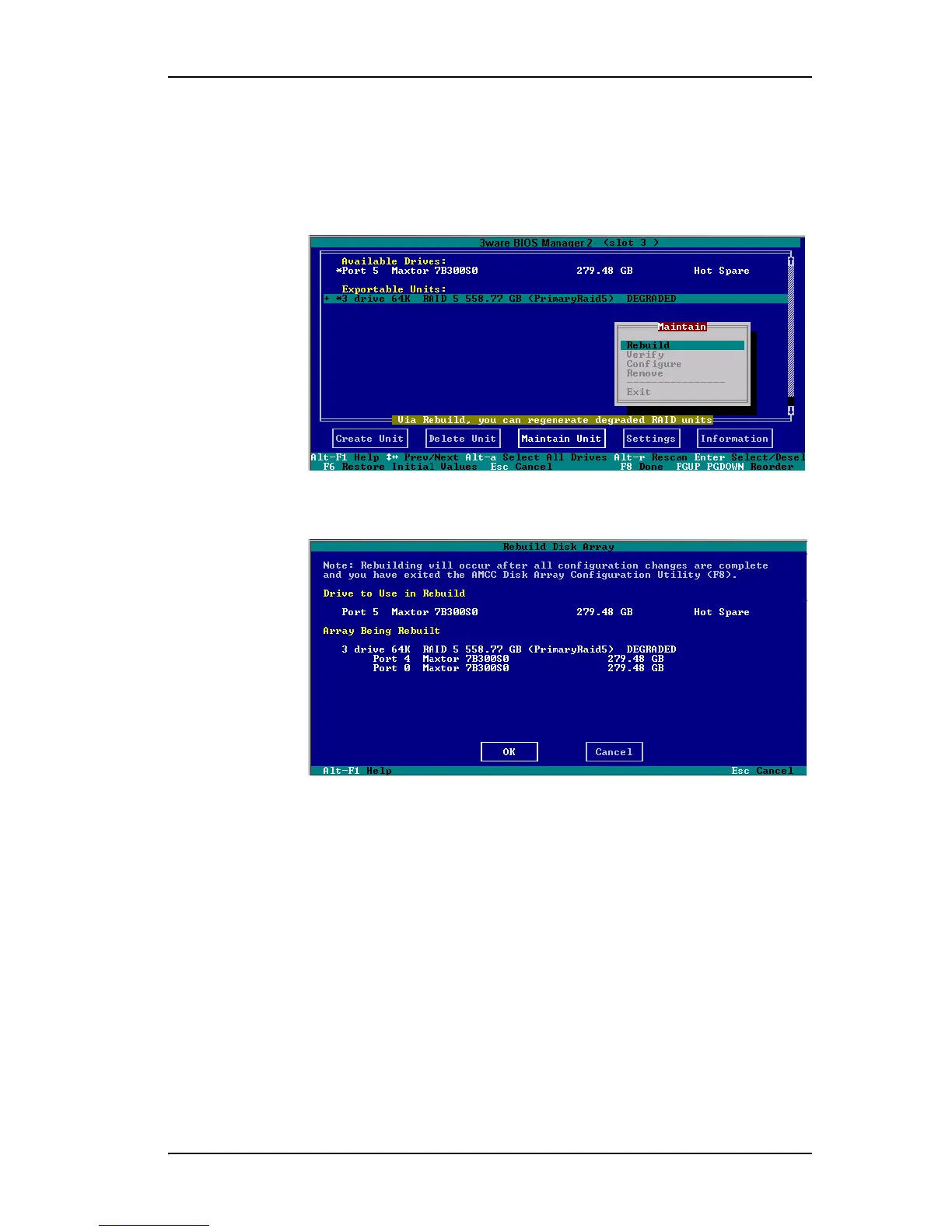
2 Press Tab to select the degraded unit and press Enter to select it.
3
Tab to the Maintain Unit button and press Enter.
4 Select
Rebuild from the pop-up menu and press Enter.
Figure 73. Rebuild Option on the Maintain Menu
The Rebuild Disk Array screen displays.
Figure 74. Rebuild Disk Array Screen
5 Press Enter to select the OK button to continue.
You are returned to the main screen; “Rebuilding” appears next to the unit
you selected.
6 Press
F8 to save your changes and exit 3BM.
The unit will begin rebuilding about ten minutes after the operating
system finishes loading and the 3ware driver has loaded.



 To Next Page