Chapter 4. Driver Installation
34 3ware Serial ATA RAID Controller User Guide
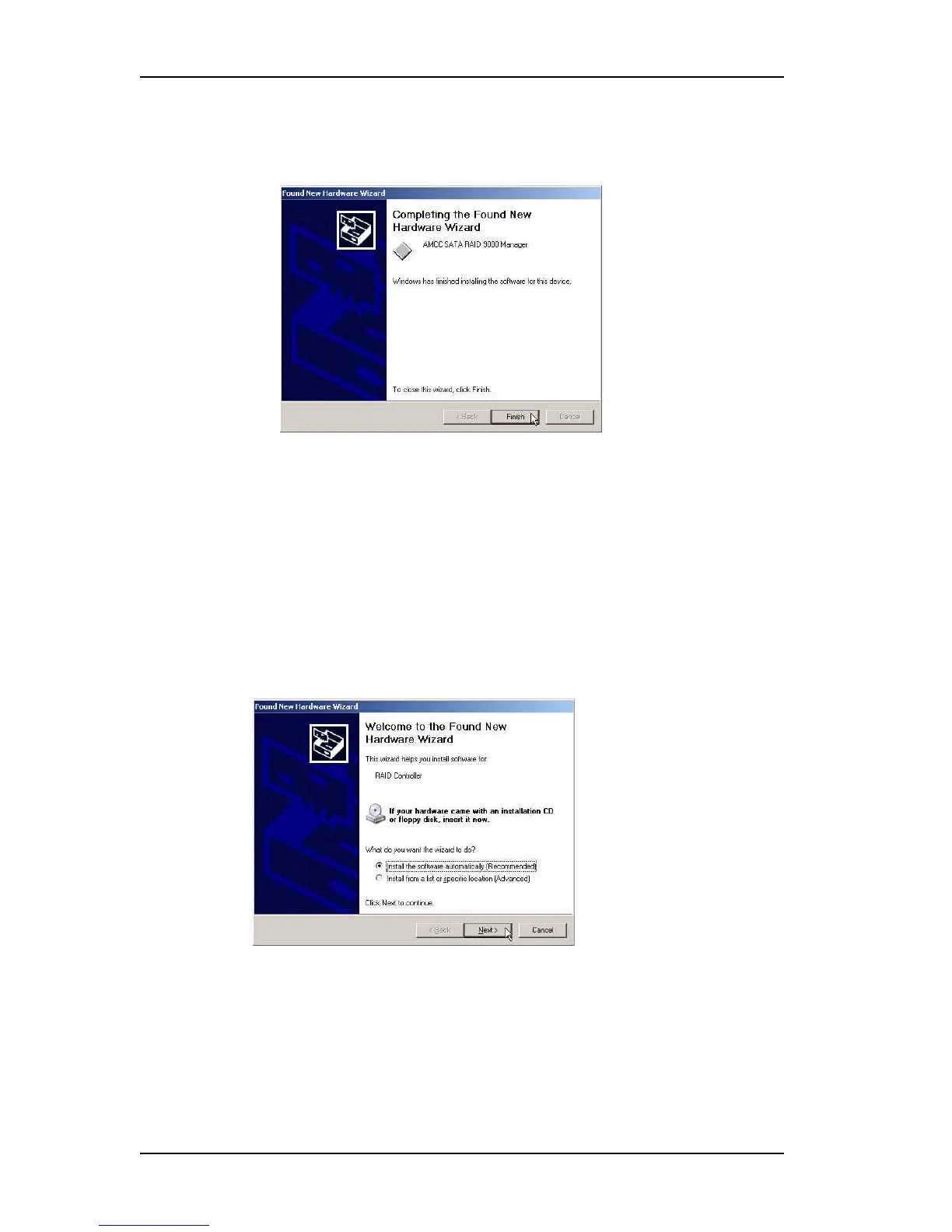
7 When the second Completing the Found New Hardware screen appears,
click Finish.
Figure 18. Completing Found New Hardware Wizard
After the driver has been installed, continue with the instructions under
“Making Units Managed by a 3ware Controller Available to Windows”
on page 37.
To install the 3ware driver under Windows XP or 2003
When you start Windows after installing a 3ware RAID controller, Windows
recognizes it as a Plug and Play device, and brings up the Found New
Hardware Wizard. This wizard guides you in installing the 3ware driver (see
Figure 19). Note that you will see screens for the installation of two drivers
during this process.
Figure 19. Found New Hardware Wizard, Windows XP and 2003
1 Click the Next button and respond to the questions the Wizard displays.
2 When the Wizard prompts you to select a device driver, click Have Disk,
and then indicate that it is on the CD or floppy.



 To Next Page