Driver Installation Under Windows
www.3ware.com 35
3 If the “Digital Signature Not Found” message appears, click Yes to
continue the installation.
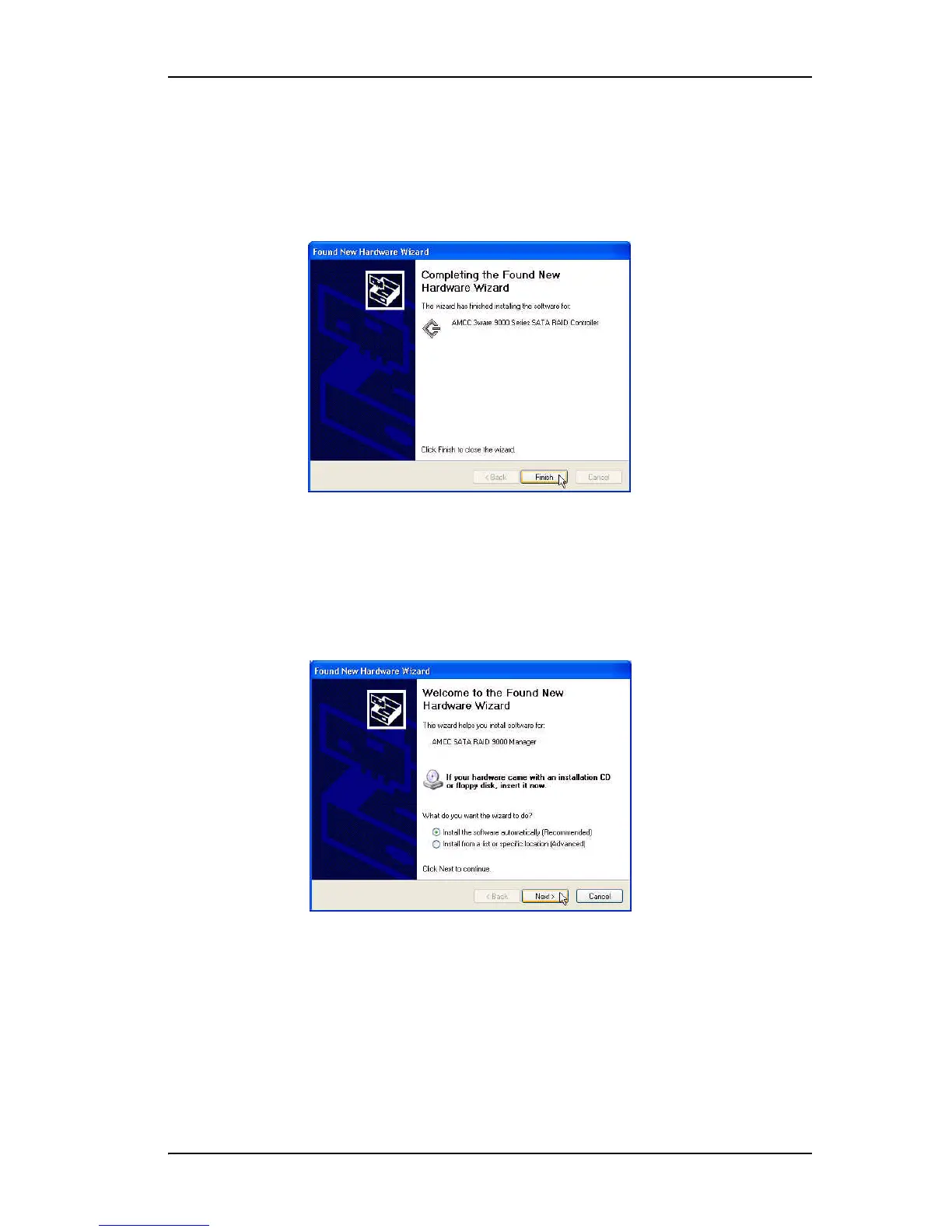
4 When the Completing the Found New Hardware Wizard screen appears
(Figure 20), click Finish.
Figure 20. Completing Found New Hardware Wizard
5 If the “Completing” screen similar to Figure 20 indicates that you should
restart your computer, do so now.
6 When the Welcome to the Found New Hardware Wizard screen appears
again (Figure 21), click Next and follow the prompts on the screen to
install the second driver.
Figure 21. Welcome to the Found New Hardware Wizard



 To Next Page