Installing 3DM
www.3ware.com 69
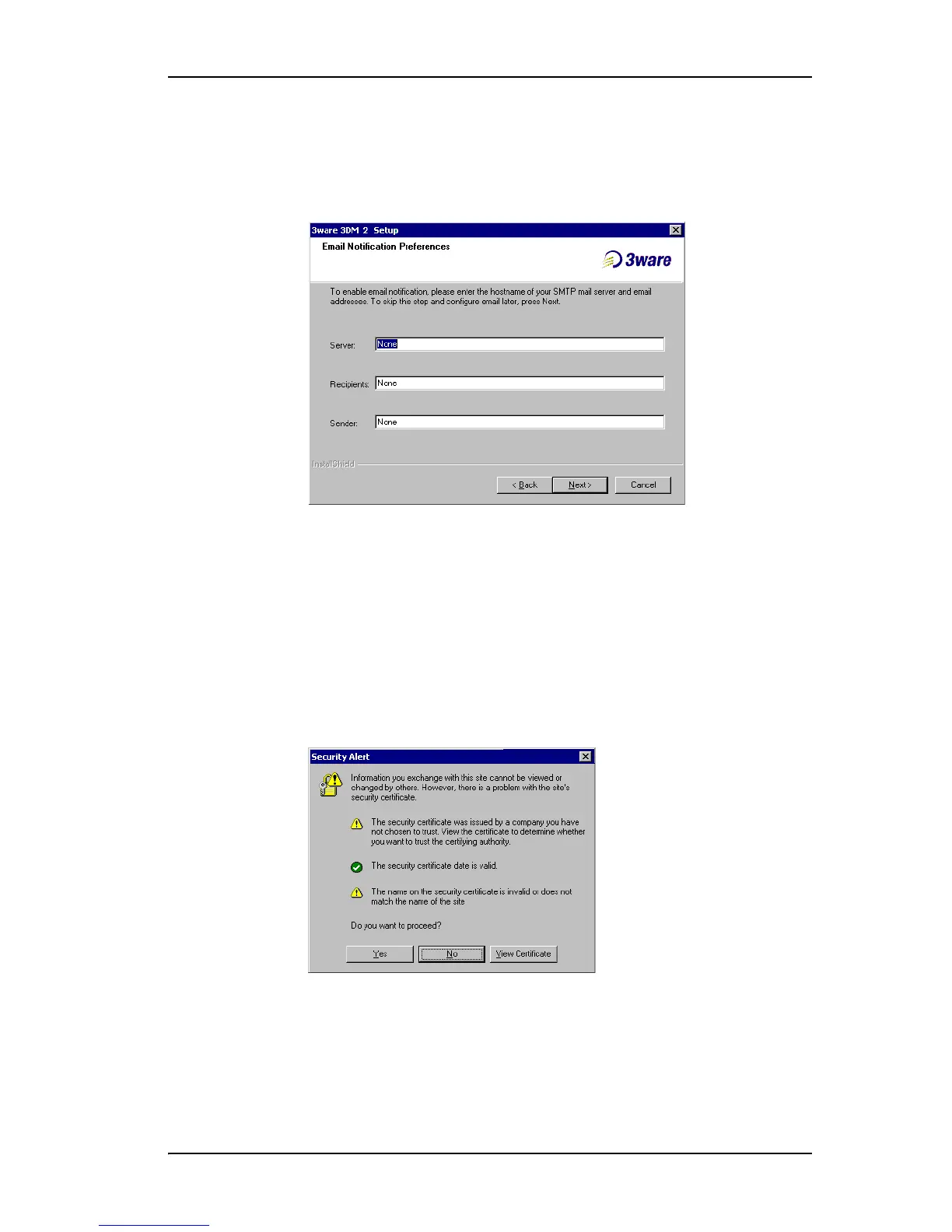
• In the Sender field, enter the email address from which the email
notifications will be sent. This is typically the local host name.
(You can change these settings later within 3DM.)
Figure 31. 3DM E-mail Notification Preferences
7 Continue with the installation as prompted, clicking Next to move to the
next screen, and Finish when you reach the last screen.
3DM Installation gives you the option of starting 3DM and opening the
browser window.
8 If you elect to launch the web interface, a Security Alert may appear, as
shown in Figure 32. Click Ye s continue.
You may install the certificate if you do not want to see this alert in the
future. To do so, click View Certificate and then click Install Certificate.
Figure 32. Security Alert dialog box
9 When the first 3DM screen appears in your browser, log in as
Administrator and use the default password,
3ware.



 To Next Page