Pict. 40
5. AES-42
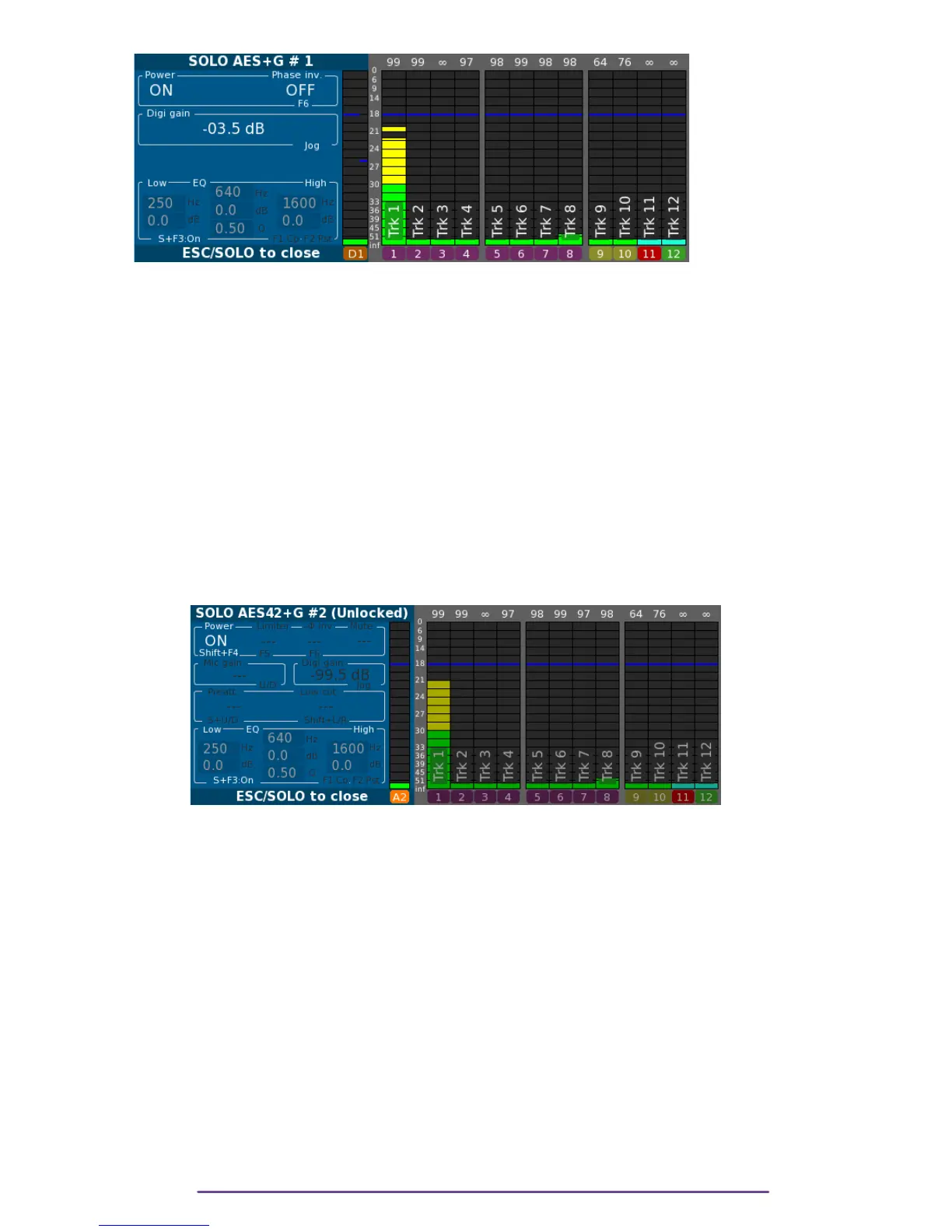
The solo of an AES-42 input is obtained by pressing the Solo button assigned to the input, or if
the input has no actuator assigned, by pressing the Shift + Solo buttons of the Right side of the
Cantar.
Two versions of each digital input are available: the original input (symbolised by a lowercase
letter) and a version with digital gain (symbolised by an uppercase letter).
During the AES-42-Solo, the version with digital gain is sent to the headphones.
The title displays the status of the digital stream: • locked (a valid digital stream is detected)
• unlocked (no valid digital stream).
During an AES-42 Solo you can set the AES-42 Phantom Power ON/OFF by pressing the Shift
+ F4 buttons.
NB: • The general digital Power is automatically switched On if the AES-42 Power is
switched On.
Pict. 41
If the AES-42 input can communicate using the AES-42 standard, the Cantar retrieves information
about its capabilities. Accordingly, Limiter status, Mute status, Mic gain, Pre-Attenuation, Low cut
Filter and Device information are displayed.
NB: • Mic gain is the gain setup directly into the AES-42 Mic, both versions of the digital
inputs (with or without digital gain) are affected. If available it is setup using the Up and
down buttons.
• Digital gain is the gain which Cantar is applying on the original digital input, for an
AES-42 input its range is from - ¥ to +36dB.
If the input is not assigned to any actuator, the gain is changed by rotating the Jog wheel.
• The Device Info field is made of information retrieved from the device: Manufacturer and
Device names + Delay of the mic (in samples)
• Low cut filter parameter cycles through “Flat”, “40 Hz / -3dB”, “80 Hz / -3dB” and
“120 Hz / -3dB”.
• Pre-attenuation parameter cycles through “0 dB”, “-6dB”, “-12dB”, “-18dB”.
• Digital filter may be setup. (refer to the Mic Solo section)
Cantar X3
30



 To Next Page