Adjusts the duration before the low power state is activated while the Main Selector is in the
Stop position: OFF (never activated), 15 seconds, 30 seconds, 1 minute, 2 minutes.
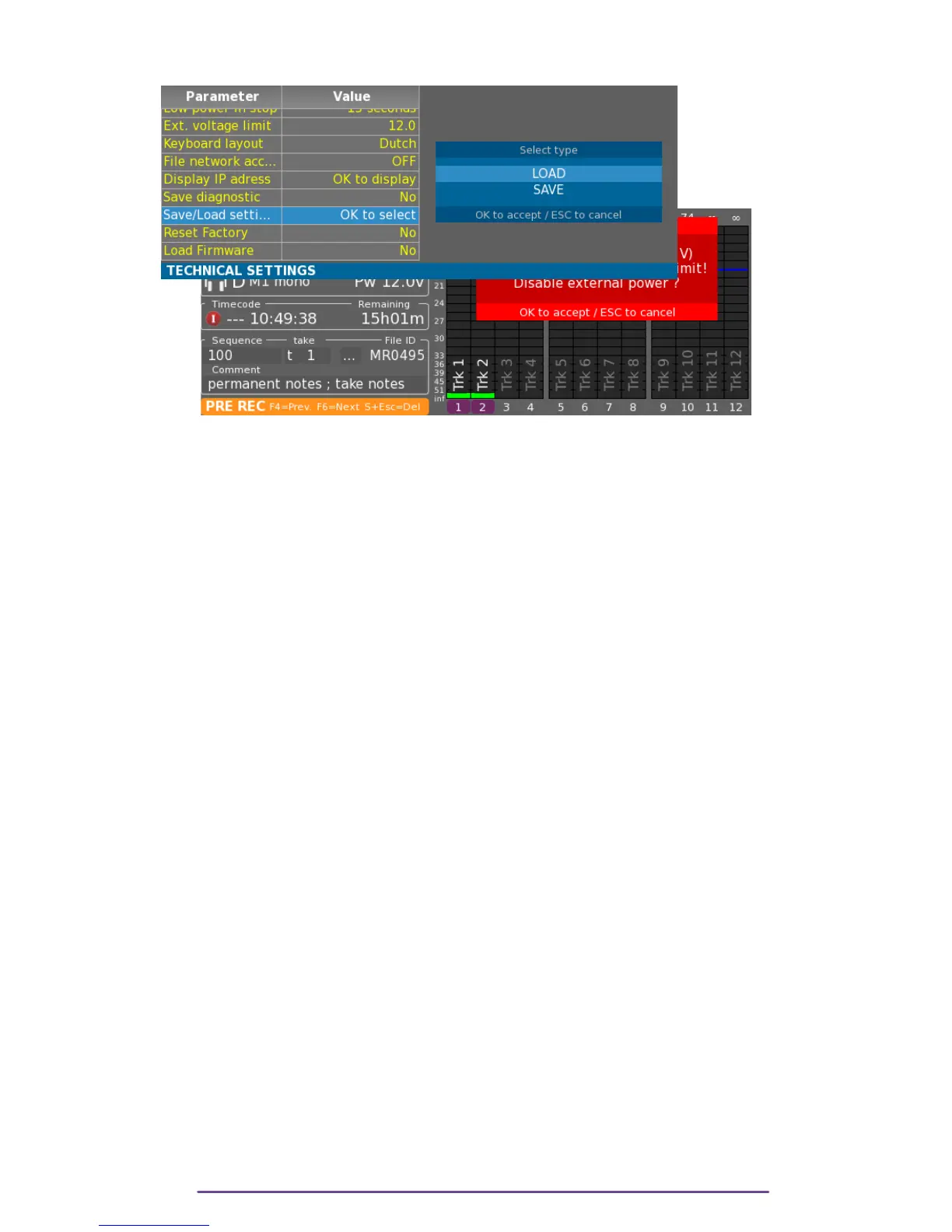
VIII.External voltage limit
In order to avoid problems with low battery levels on the external power input of the Cantar, a
warning limit can be setup. Once the limit is reached, a warning message will be displayed,
asking if the external source may be disabled.
Pict. 108
IX. Keyboard layout
Sets the mechanical arrangements of the keys.
X. File Network access
Allows Read only access to the internal SSD and to the SD cards using the Network connection.
If enabled, a computer can be connected to the Ethernet plug.
Disks are accessed by:
• On a Mac computer: Connecting to the adress smb://CANTARX3_NN (with NN
being the Cantar Number).
• On a Windows computer: Connecting to the adress \\CANTARX3_NN (with
NN being the Cantar Number).
The credentials are: User=cantar and Password=x3
NB: • If the Cantar is directly connected to the computer without a DHCP server in between,
the Cantar will automatically be assigned an Auto-IP address (169.256.XX.XX).
° For a Windows computer, according to the OS version, it can take about 1
minute to toggle to Auto-IP, in the mean time, it is not possible to connect it to the
Cantar.
XI. Tech support
1. IP Adress
Displays Cantar's IP Addresses.
2. Diagnostic
Generates a diagnostic file on a designed media.
A diagnostic file is particularly useful in case of a problem on the Cantar, sent to the Cantar
support team, it will help to solve the issue.
Cantar X3
61



 To Next Page