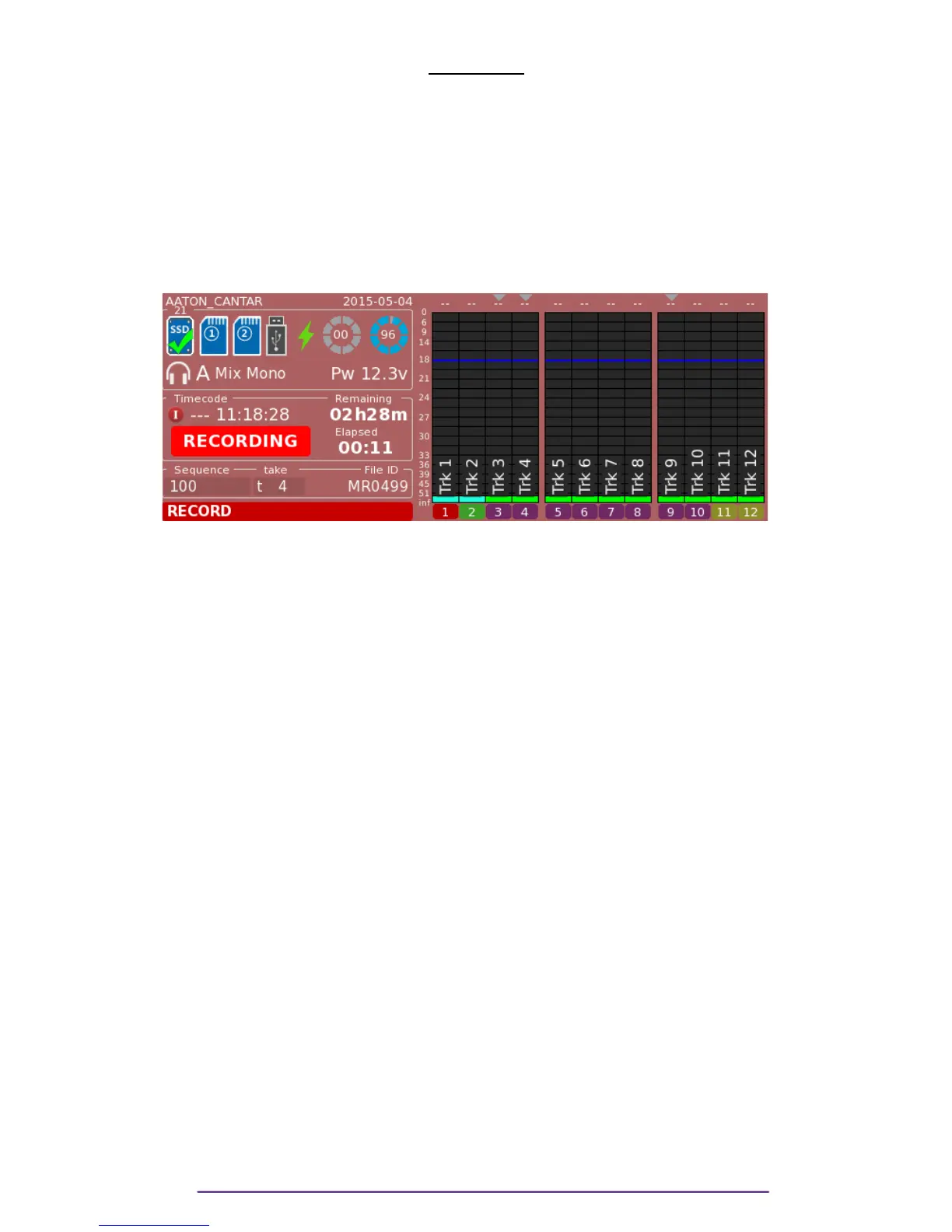
RECORD
Record is at the 12 o'clock position.
The background of the screen is Red during the whole recording Session and the LED of the
Heaphone button is flashing while the Cantar is writing on Recording media(s).
NB: Be careful that after cutting the record and going back to the Pre-Record or Test positions,
the screen may remain red as Cantar is flushing its internal Audio Buffers to the record media.
Monophonic Recording:
As basis of the sound, monophonic recording is mandatory. The Cantar
won't let a record begin if not at least one monophonic process is selected on a media.
Pict. 70
I. Medias State
Please refer to the Pre-Record section.
II. Solo
Please refer to the Pre-Record section.
III.Metadata
During Record, only the Take Type can be modified, by pressing the F5 button.
IV.Sync Points
1. Slate Detection
This is the most precise and simplest method ever invented to sync images and sounds.
In the Audio Menu, select the slate detection channel.
While in Record, press the F4 button within six seconds after a clapstick; the most plosive event
preceding the button press creates a Slate Mark. The successive slates generated by a multi-
camera shoot are labeled SA, SB... SG. A maximum of 10 slates can be recorded.
The clapstick quality is displayed in the rectangular screen, 25% should be a minimum; at 75%
score, you can congratulate the slateman!
If you forget to press the F4 button, AutoSlate detects the most plosive sound of the take with a
95% chance of selecting the clapstick; in this case the Sound-Report's Slate-TC appears in
'Italic' to show it must be either confirmed or ignored.
Cantar X3
40



 To Next Page