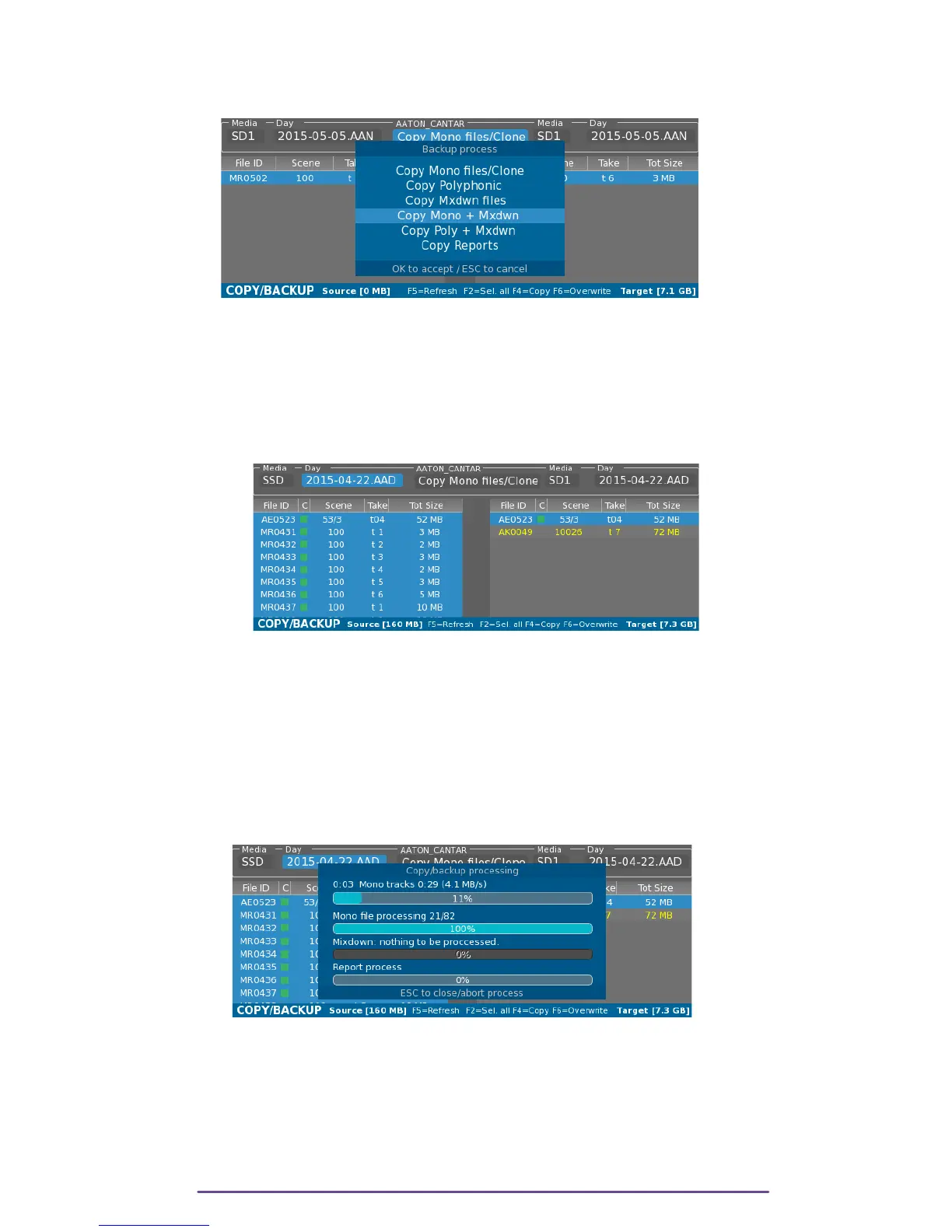
• Combination of 2 process.
• Copy Reports.
Pict. 132
II. Backup processing
It is possible to copy one or multiple Takes.
One Take can be selected by using the Up or Down buttons.
To select multiple Takes, hold the Shift button while pressing the Up or Down buttons.
To select all Takes, press the F2 buttons.
Pict. 133
While browsing the source list with the Up and Down buttons, if a Take is also on the target list,
it is automatically highlighted.
The backup process can be started into two modes: • Copy: by pressing the F4 button
• Overwrite: by pressing the F6 button.
In Copy mode, if a Take already exists in the Target, it won't be overwritten, thereby saving time.
In Overwrite mode, it forces to overwrite already existing files.
Pict. 134
At the end of the backup, if enabled, are processed the sound reports (only if at least one Take
was copied).
There is one sound report per Day Folder, gathering information about the takes present in that
folder.
Cantar X3
70



 To Next Page