← Pict. 56
Pict. 57 →
2. Potentiometer Panel
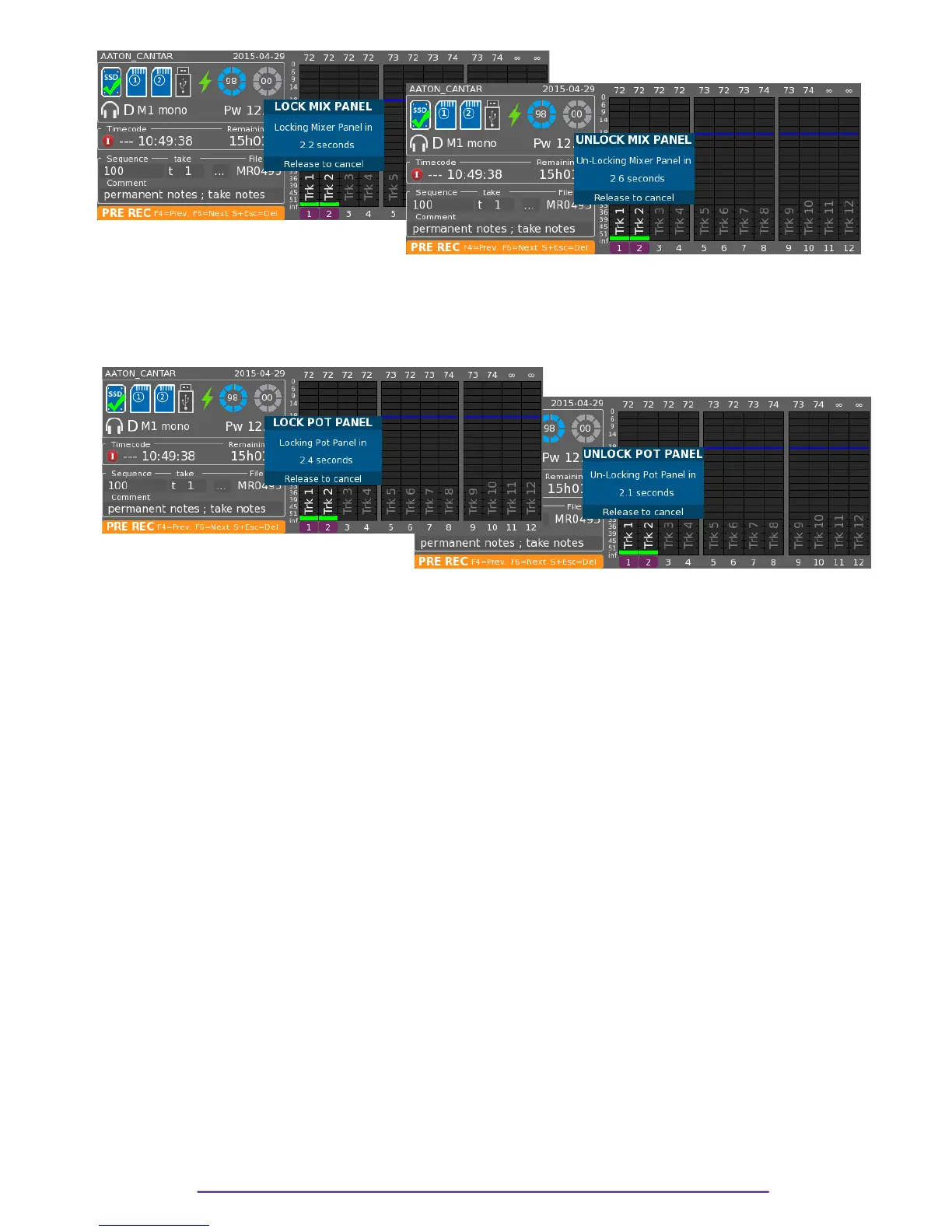
The Potentiometer Panel is locked or unlocked by holding the Shift + Right buttons pressed during
3 seconds to avoid inadvertent locking. A dialog displays the locking procedure.
Pict. 58←
Pict. 59 →
X.Tone Generator
While the Main Selector is in the Test, Pre-Record or Record positions, pressing the Shift + F5
buttons sends a 1kHz tone to the Tracks, and Mixdown. The level of the tone can be set in the
Audio Parameters Menu.
Releasing the Shift button before the F5 button locks the tone 'ON'; pressing the Shift button turns
it 'OFF'.
XI.Talk
Pressing the Talk buttons, enables the Slate Mic and the 3,5mm Mic jack. It sends the stream to
the Headphones and to any Outmap (Line, AES, AES 42, Dante) where the corresponding Talk
function is routed.
Pressing the Shift + Talk buttons also sends the Talk stream to the Tracks.
XII. Assignation
Any slider of the Mixer, Cantarem (if connected) or Cantarem2 can be assigned to any input
(Mic, Line) or track or Line out level.
NB: • When a Cantarem is connected, its assignments override other actuators' assignments,
making them unassigned.
• Assignations may be Left or Right shifted by pressing the Shift and Left or Right buttons.
All assignations to the Left (respectively Right) of the current item, including it, are shifted to
the Left (respectively Right), the last (respectively current item) becomes unassigned.
1. Potentiometer
To open the Assignation panel, press and hold the Shift + Potentiometer Solo button. To go to
next or previous actuator rotate the Left Crown or press the appropriate Solo button.
Cantar X3
35



 To Next Page