SESSION
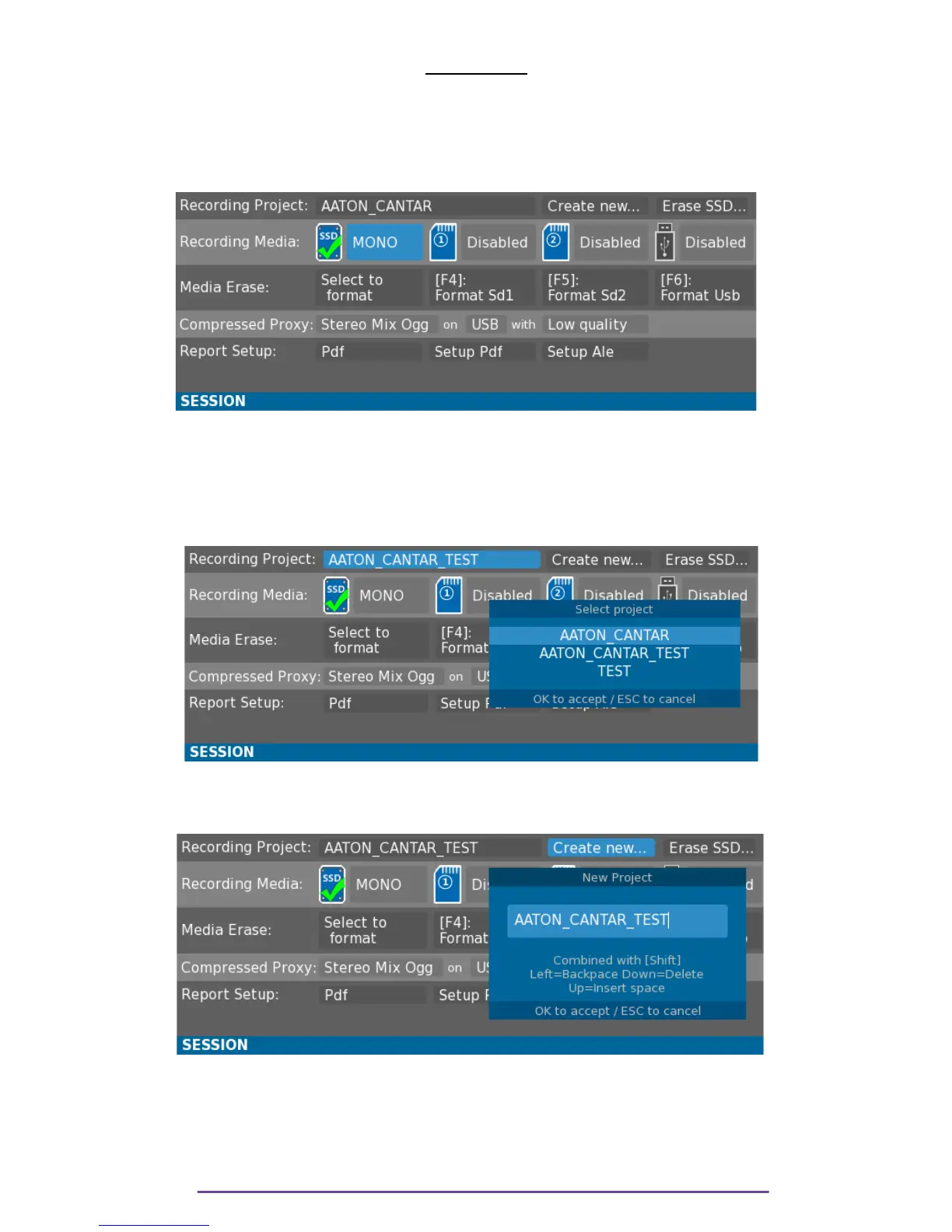
Session menu is accessed while the Main Selector is in the 2 o'clock position.
This menu enables the setup of the Recording Session parameters and of the Report generation.
Use the direction buttons to select the appropriate field and press the OK button to edit it.
Pict. 116
I. Record Parameters
1. Project
i. Select a project
Pict. 117
Selects the current recording Project through a List built from the first enabled recording media.
ii. Create a new project
Pict. 118
Opens the New Project dialog to enter the new project's name.
NB: If they don't already exist, the Project and Day folders are created the next time recorder
goes into Record.
Cantar X3
64



 To Next Page