Pict. 53
ii. Safety Level
An adjustable headphone safety clamping can be enabled. Toggle the function On/Off by
holding the Headphone Button pressed and then by pressing the Shift Button.
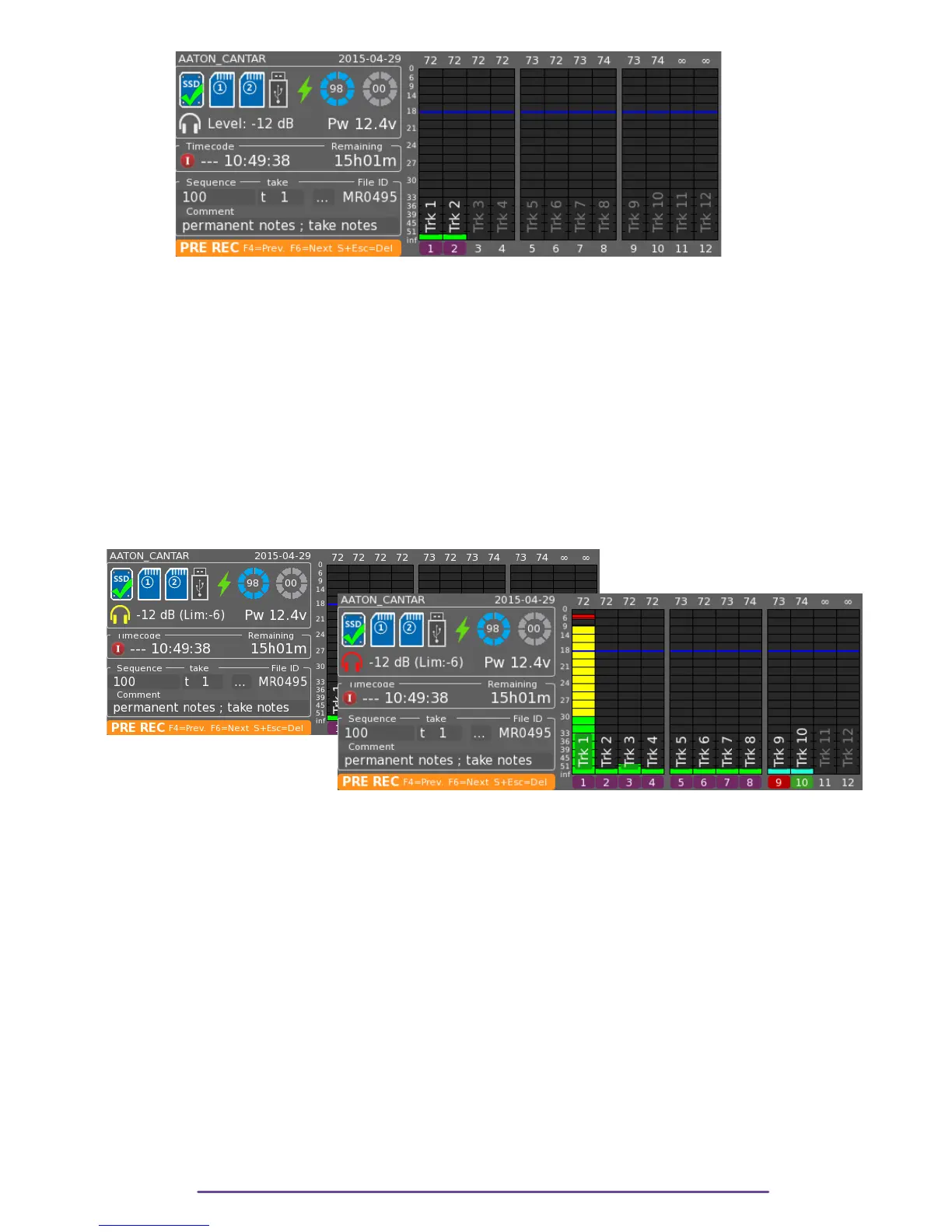
When disabled, the headphone symbol is painted in White whereas once the safety is enabled
the symbol is painted in Yellow.
Adjust your clamping level in relation to the current headphone level.
Rotate the Jog wheel while holding the Headphone and Shift buttons pressed for quick clamping
level setup.
When the clamp is active on too high signal, headphone audio quality is affected
and the headphone symbol blinks in red during 3 seconds.
← Pict. 54
Pict. 55 →
IX. Locking Panels
While the Main Selector is in the Pre-Record, and Test positions, Potentiometer and Mixer panels
can be locked.
Once locked, every actuator (Slider or Potentiometer) on the corresponding panel is disabled
and the position at the time of the locking is saved. Actuator may be moved, it doesn't affect
what it is assigned to. The locking activation and positions are saved upon Cantar shutdown.
A locked actuator can be temporarily unlocked by holding the Shift button while moving it.
1. Mixer Panel
The Mixer Panel is locked or unlocked by holding the Shift + Left buttons pressed during 3
seconds to avoid inadvertent locking. A dialog displays the locking procedure.
Cantar X3
34



 To Next Page