b. Operator init.
If you want to set the 'Sync Clock' with your own time, go to the Audio & Timecode Menu and
choose 'Set Operator Tc'. 'OTC' (Operator-TC) is displayed in the timecode area.
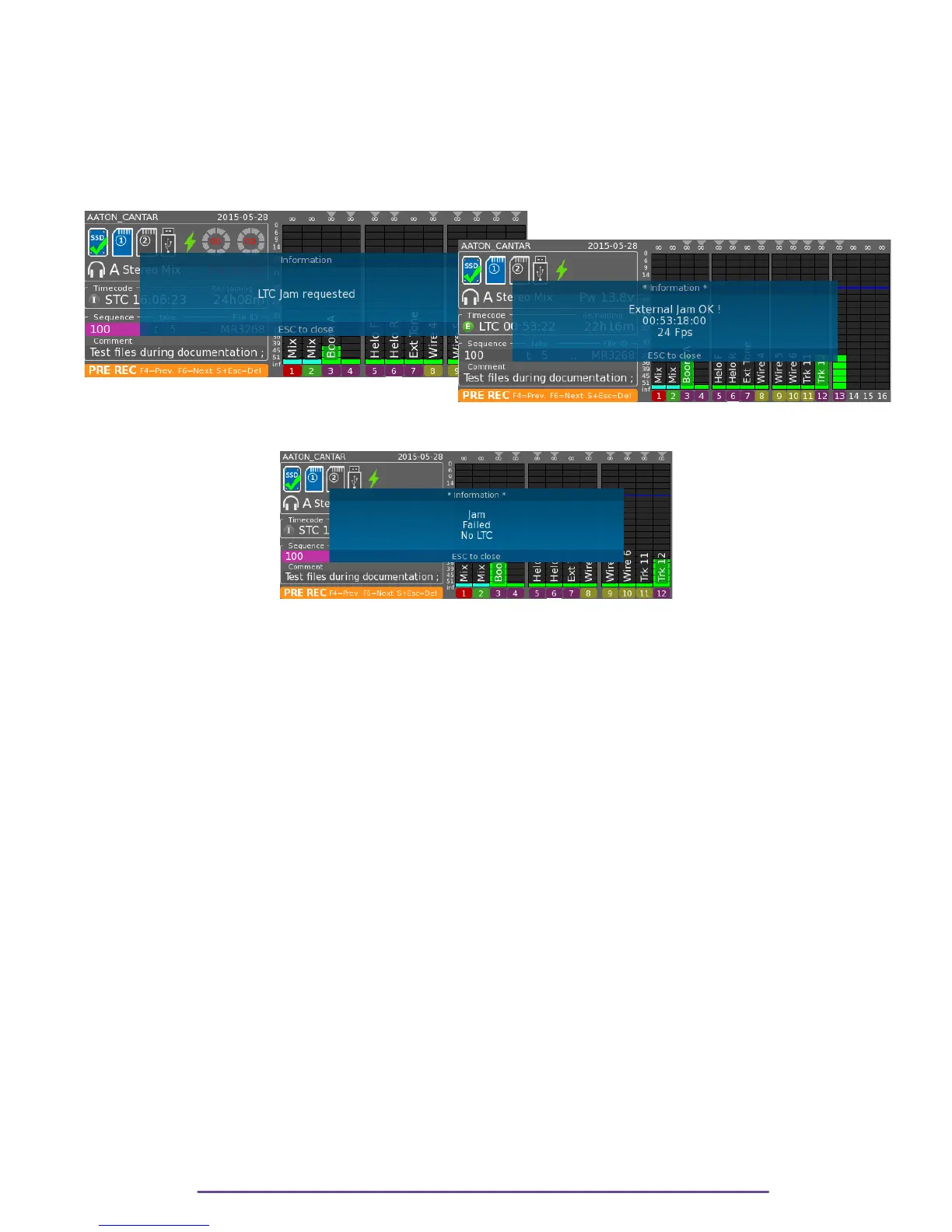
c. LTC init. & control (from camera, GPS, or Cantar) LTC-out
Pressing the F3 button for more than three (3) seconds causes the LTC received from the external
source to jam the internal 'Sync Clock'. 'JTC' (Jammed-TC) is displayed in the timecode area.
←Pict. 67
Pict. 68 →
If no TC is being received, the Jam has no effect and 'Jam Failed' is displayed.
Pict. 69
d. ASCII init (from Aaton OriginC)
In the Stop position, the 'Sync Clock' is set by an Aaton OriginC which also initializes cameras
and GMT generators. 'ATC' (ASCII-TC) appears in the timecode area.
ii. internal Record-Run driving clock
Go to the Audio & Timecode Menu, choose 'Set RecRun TC', 01:00:00 is proposed as the first
TC of the day (it can be modified). From now on, at the beginning of each audio file Cantar will
stamp a start-TC incremented by two seconds later than the preceding Take's end-TC. This
clocking, called Record-Run, produces audio files which appear as if they have been recorded in
continuity.
If for some reason Cantar is turned 'OFF', the Record-Run TC must be initialized again. To
prevent any TC overlap, Cantar proposes to start on the next hour integer, e.g. if the last
recorded Take has been closed at 01:34:15, the next start-TC proposed will be 02:00:00.
The Cantar Record-Run mode lets you use the pre-record buffer without creating TC overlaps.
For example, if the preceding Take ends at 01:45:00, and the pre-record buffer is set at
thirteen seconds, the next audio file will start at 01:45:02.
iii. internal clock, AutoSlate on clapsticks
If the same TC is not running in Cantar and cameras, the only way to sync pictures and audio is
to use clapsticks. Forget digi-slates, they have too many drawbacks. The Cantar AutoSlate
sample-accurate clapstick detection function puts a timecode crown over the simplest piece of
wood.
Cantar X3
38



 To Next Page