← Pict. 126
Pict. 127 →
ii. Data
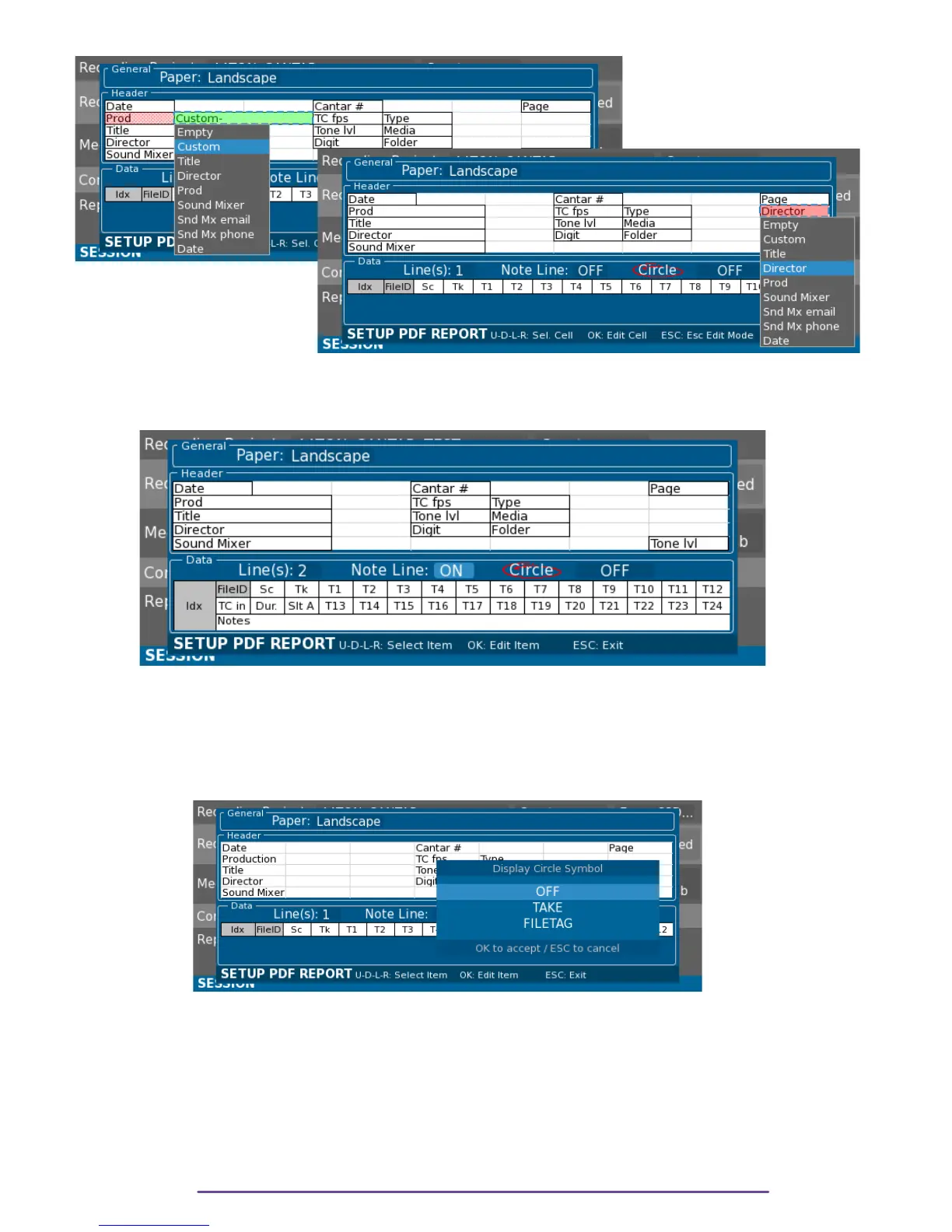
Each Take can have one or two data lines plus eventually a note line.
Pict. 128
Each data line can have up to 16 columns, given the first column is necessarily the Take index
on the current page and the second column of the first line of the Take is the FileID.
Circled takes may also be reported in the Pdf report with a red circle around the Filetag field or
around the take number field.
Pict. 129
Cantar X3
68



 To Next Page