MODULE 1: SERVICE TOOLS
ARCHITECT
®
RSH Service Training Guide 1-9
201532-102 FOR INTERNAL USE ONLY
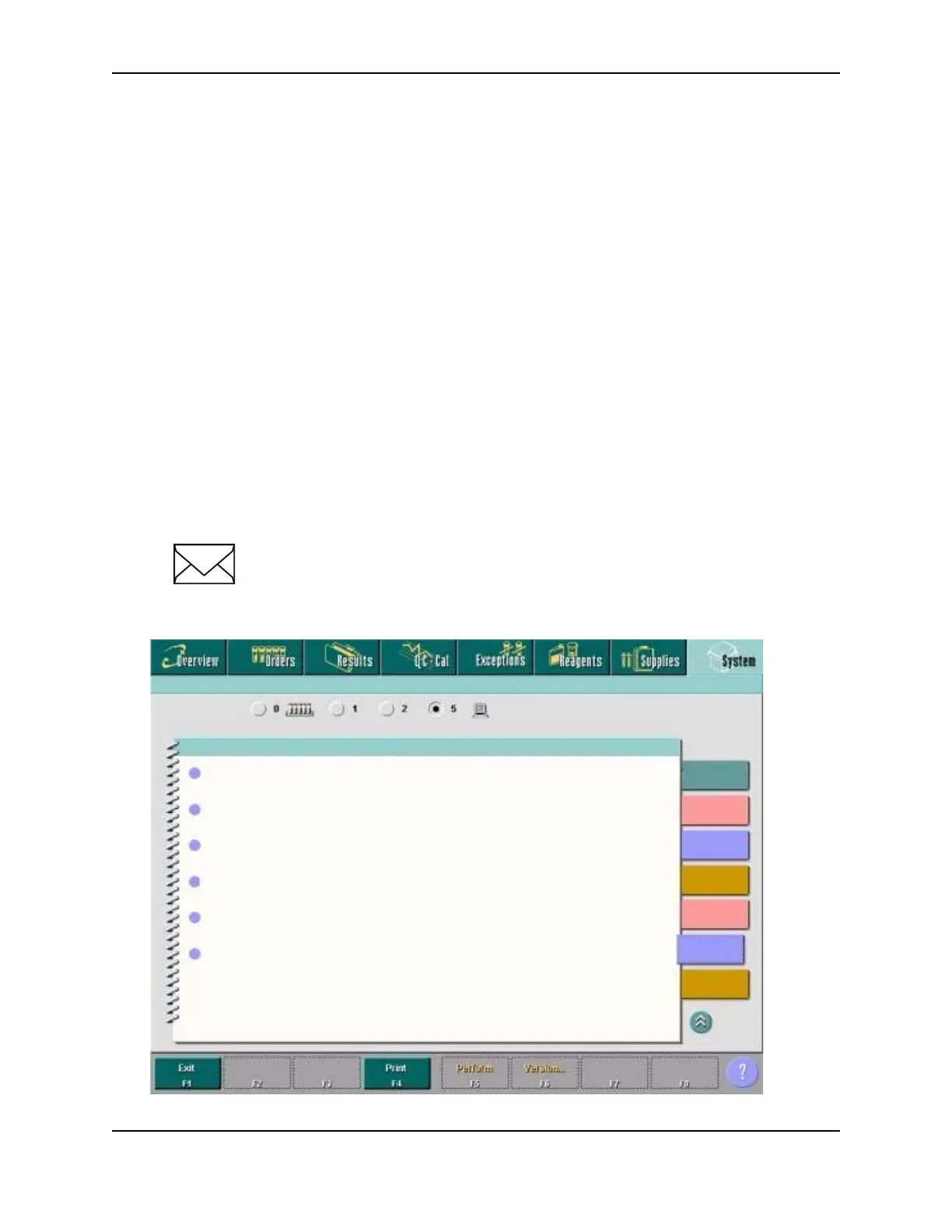
DIAGNOSTICS SCREEN
The ARCHITECT System software provides a user-friendly interface for performing diagnostic activities.
The Diagnostics screen displays the available diagnostic procedures. Once you initiate a procedure, step-
by-step instructions walk you through its completion.
From the Diagnostics screen you can initiate a diagnostic procedure. You can also access windows to view
information for a procedure prior to performing it and print the Procedure report.
Diagnostic procedures are grouped by module type, and then by category. Each category is represented by
a tab on the Diagnostics screen.
To access the Diagnostics screen:
Select the SYSTEM Icon from the menu bar, and then select DIAGNOSTICS. The Diagnostics screen
will display.
From the Diagnostic screen the following Windows can be accessed:
• Diagnostic perform window
• Version details for procedure (Diagnostics) window
NOTE: Diagnostic Controls will be discussed throughout the training guide. For
additional information regarding Diagnostic Controls refer to the
ARCHITECT System Operations Manual, Section 10; Troubleshooting and
Diagnostics.
Fuses/Motors
Optics
Temperature
Carousels
Precision
ICT
Utilities
Other
DIAGNOSTIC PROCEDURES
Module
Diagnostics for 08:00:2002
6008 Controller Configuration
6009 Log Utilities
6029 Assay Information
6114 Install/Delete Assay
6115 Install/Delete Procedures
6116 Update 6115 Procedure



 To Next Page