MODULE 2: BASIC OPERATION
ARCHITECT
®
RSH Service Training Guide 2-11
201532-102 FOR INTERNAL USE ONLY
2. Load Samples and Controls
a. Using the ORDERLIST Report,
- Add Samples and controls to correct Sample Carrier or Carousel position
- ensure minimum volume present
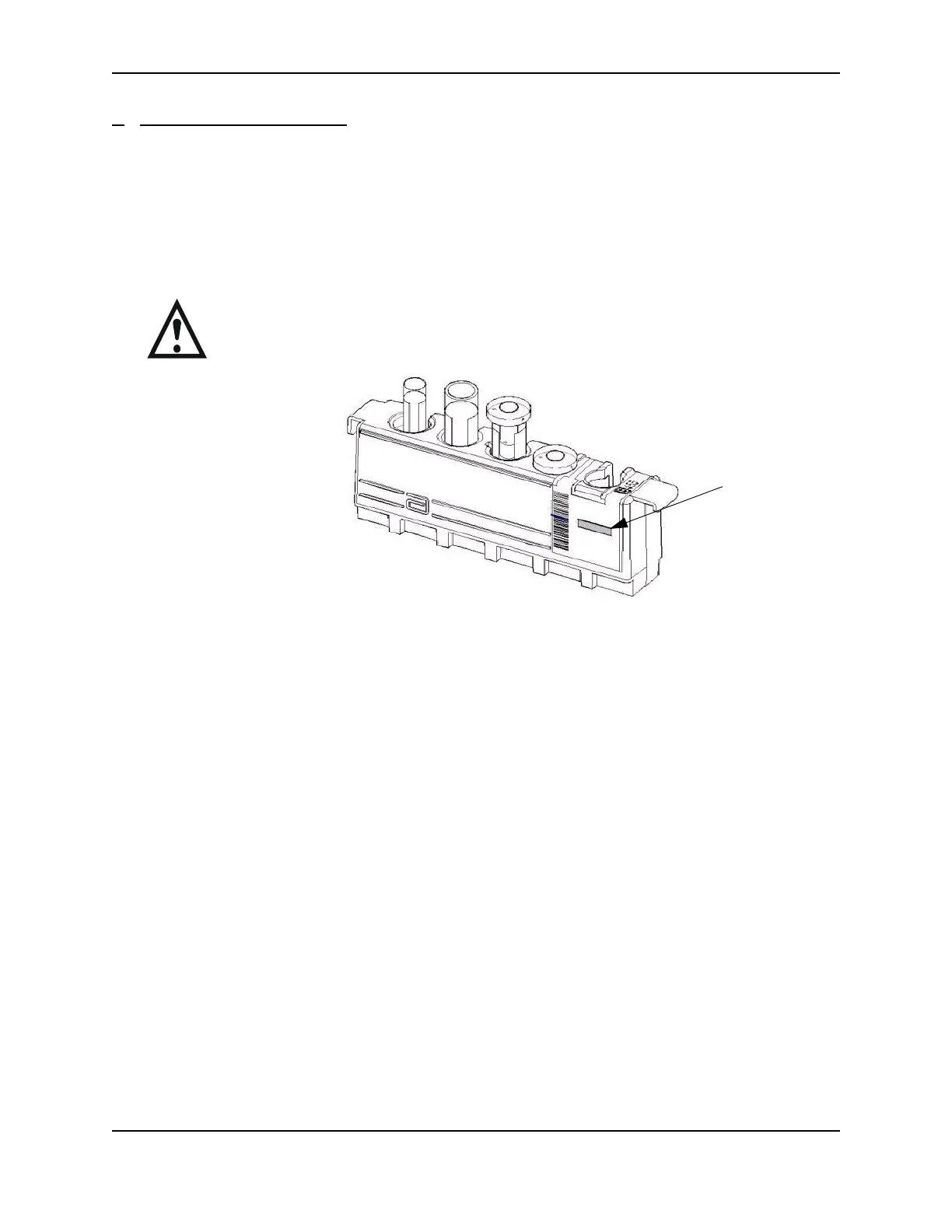
- ensure sample bar code label faces the carrier bar code window or carousel Bar
Code Reader
- remove any bubbles from samples
WARNING: Bubbles, fibrin, or particulate matter in samples can cause liquid level sense
errors or invalid test results due to inaccurate aspirations.
b. Add carrier or carrier tray to RSH
- ensure Carrier ID label faces the outside of the RSH
- verify RSH Bay Green indicator illuminates when the Sample Carrier or tray is inserted
into a position
- remove any bubbles from samples
Sample Gauge
Sample Gauge Label
Label



 To Next Page