SSL Certificate, Continued
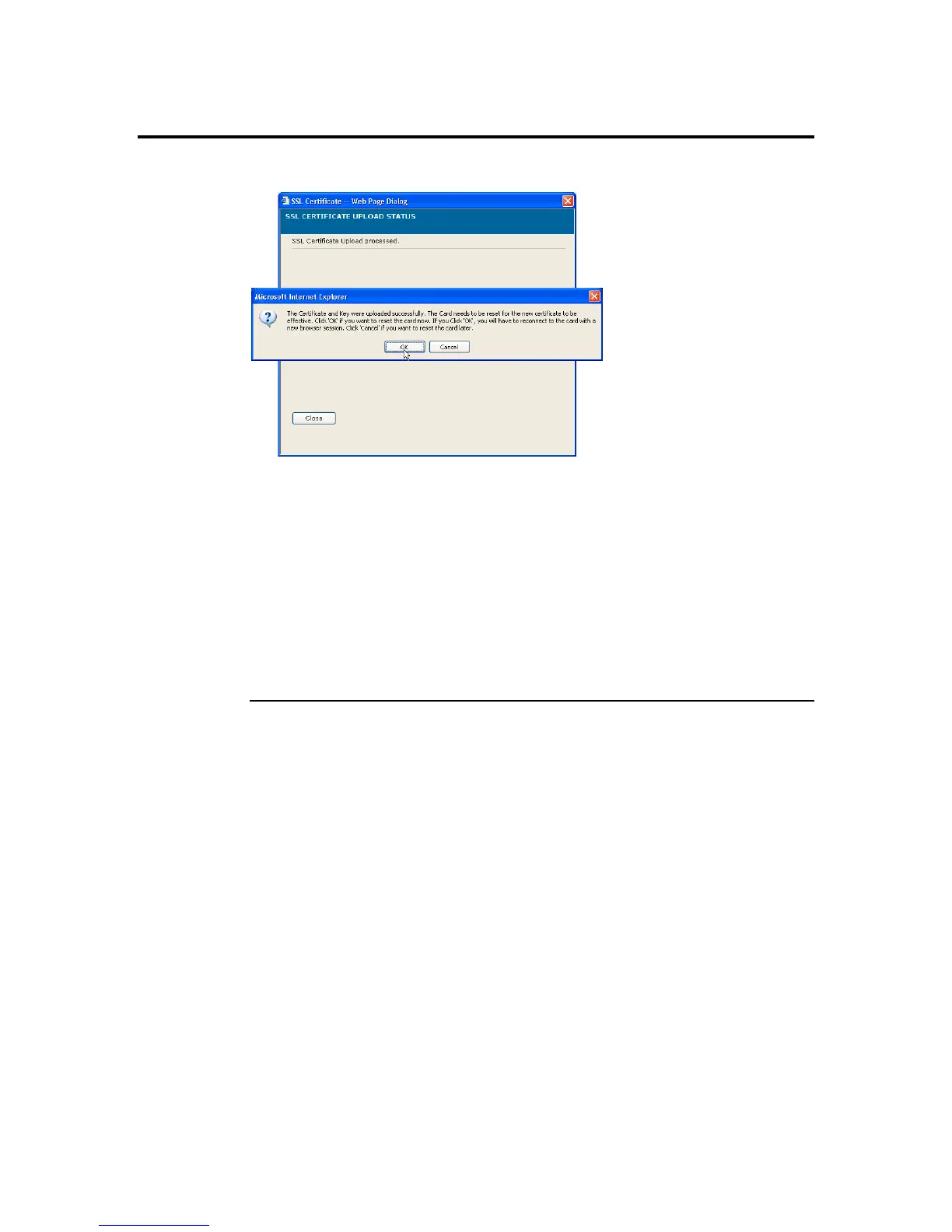
Once you upload the certificates, left click the OK button to reset your ARMC/2.
You can now access your ARMC/2 securely using the following format in your IP
Address field from your Internet browser:
https://<your ARMC/2’s IP address here>
For example, if your ARMC/2’s IP address is 192.168.0.30, enter the following:
https://192.168.0.30
Notice the <s> after <http>.
Note: You must accept the certificate before you are able to access your ARMC/2 again.
ARMC/2 User’s Guide
96



 To Next Page