ARMC/2 GUI Explained, Continued
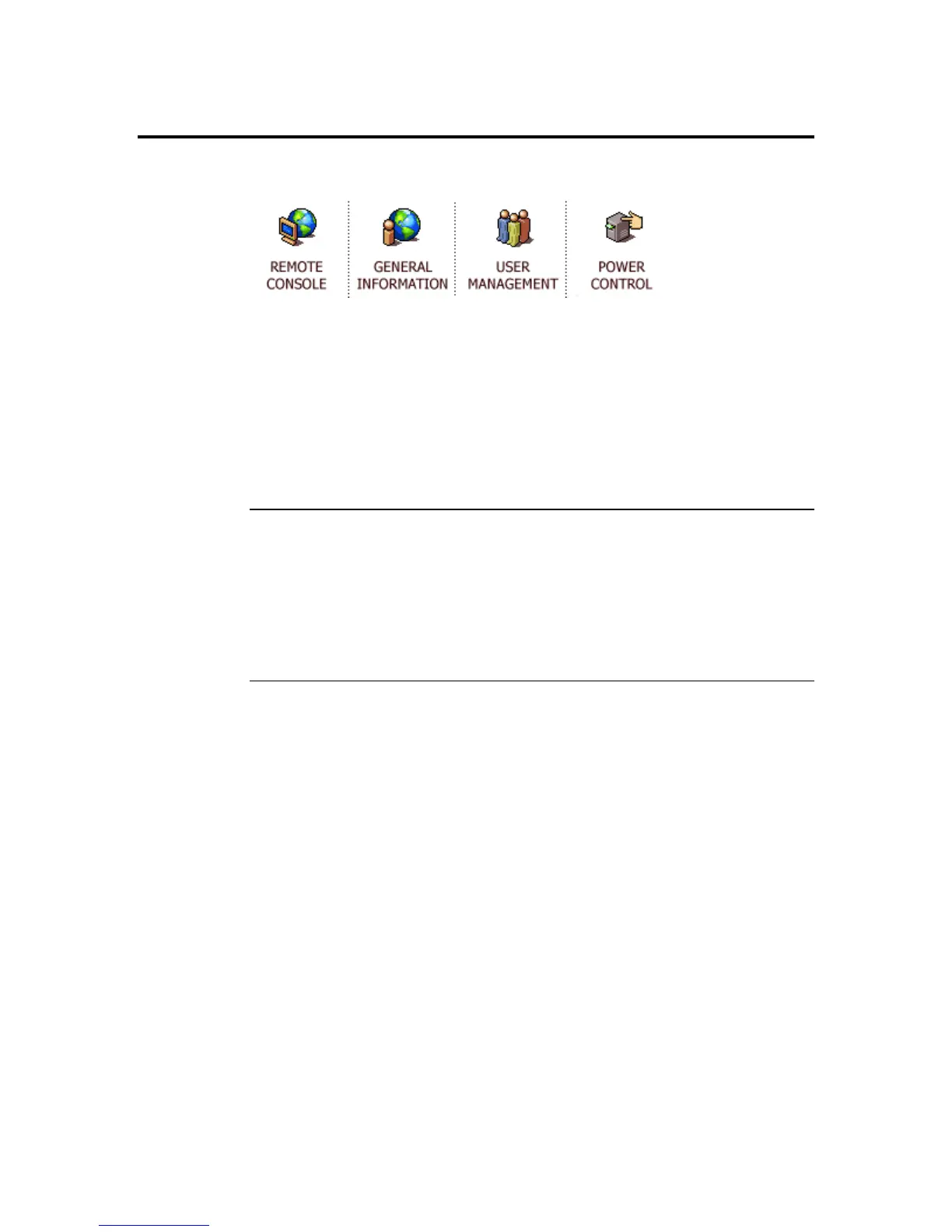
Quick Launch Icons
There is a quick launch icon section located on the upper area of the ARMC/2 GUI. It lists
the following icons:
• Remote Console
• General Information
• User Management
• Power Control
You can navigate these icons with your mouse (or other pointing device) and select them
by left clicking on one of the icons.
Session Information
This section of the ARMC/2 GUI allows you to view your user name and permission level.
Session Information
You are currently logged in as: root
Current permission level: Administrator
Chapter Four : Using Your ARMC/2
41



 To Next Page