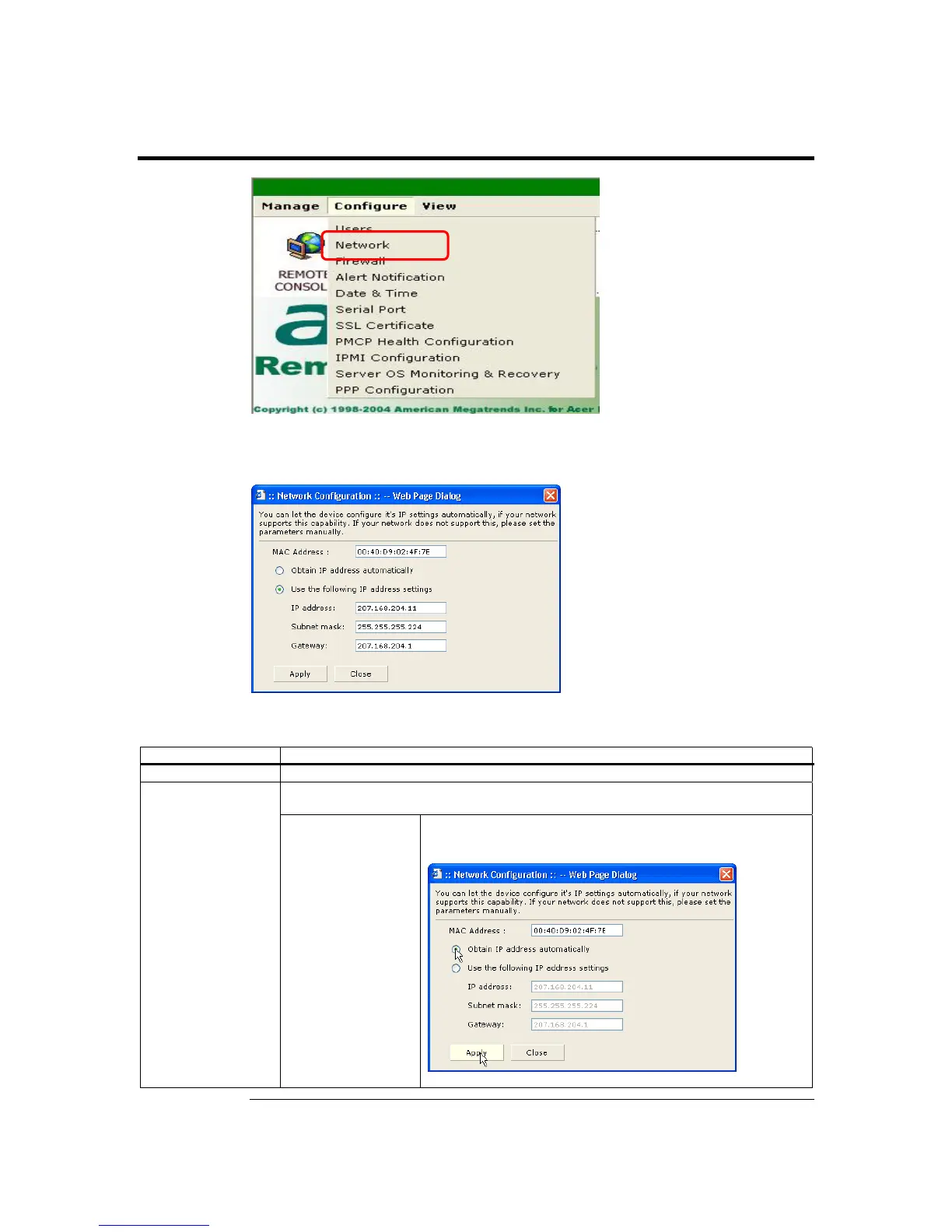
Network
Left click the Network menu item to configure the Network parameters of the ARMC/2.
The Network Settings dialog box opens:
The following table describes the information listed in this subsection in detail:
Item Description
MAC Address This field displays the ARMC/2’s MAC address.
This field allows you to configure the ARMC/2’s IP address statically or dynamically.
Configuration
Method
Obtain IP address
automatically
This option allows the ARMC/2’s IP to be configured by a
DHCP server (dynamically).
Cont’d
ARMC/2 User’s Guide
88



 To Next Page