ARMC/2 GUI Explained
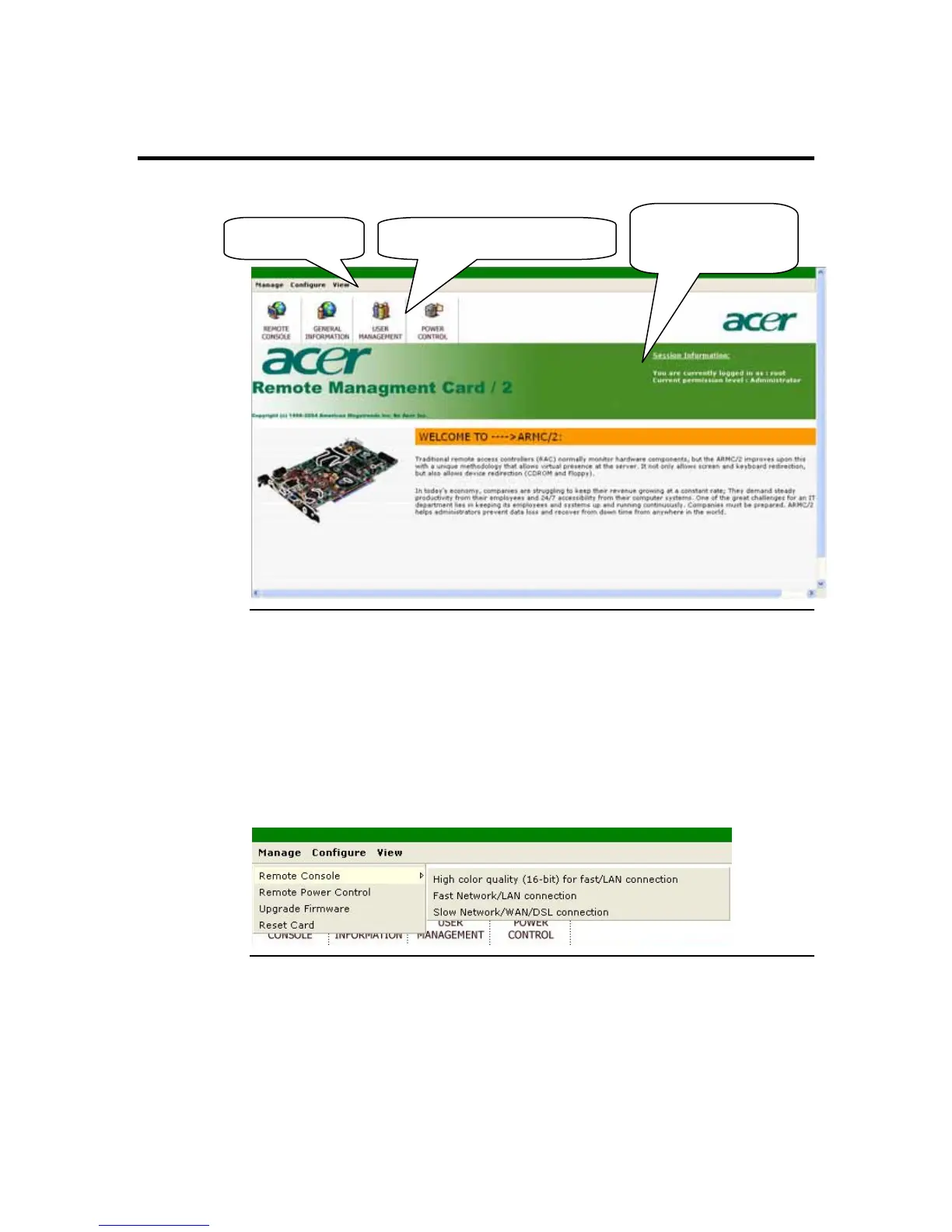
After you successfully log into your ARMC/2, you are greeted with the ARMC/2 GUI.
Session
Information
Menu Bar Quick Launch Icons
Menu Bar
There is a menu bar located at the top of the ARMC/2 GUI. It lists the following groups:
• Manage Group
• Configure Group
• View Group
You can navigate the menu bar by left clicking on one of the menu items. A drop down
menu will appear for each Group.
Cont’d
ARMC/2 User’s Guide
40



 To Next Page