Step 5 Install the Operating System and ARMC/2 Drivers, Continued
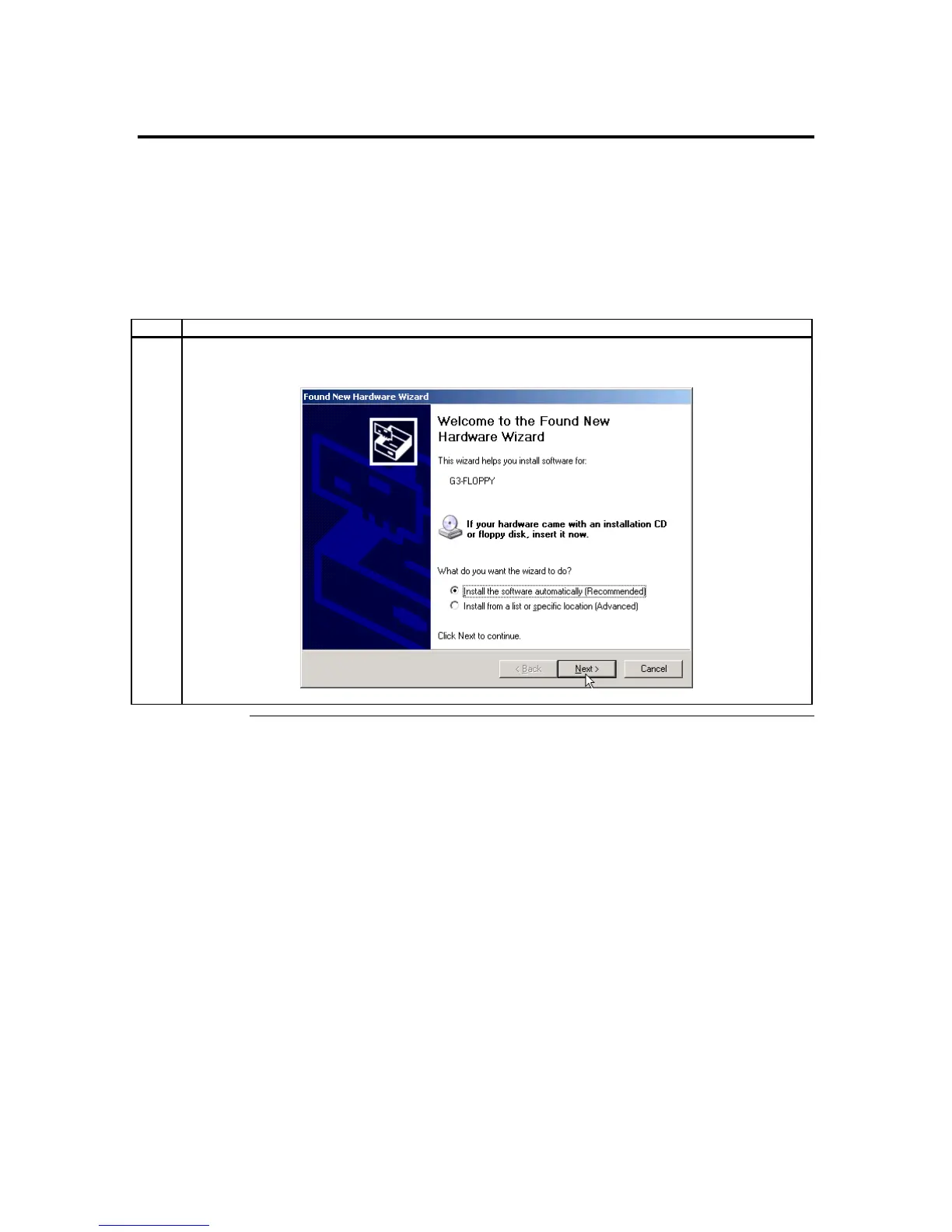
Installing Virtual Floppy Drivers on Microsoft® Windows Operating Systems
Microsoft® Windows 2000/2003 operating systems need an .INF for the AMI Virtual
Floppy device exposed by the ARMC/2 card.
Note: This installation procedure needs to be done one time only on the host system. Once the
Virtual Floppy is properly loaded, you can perform floppy redirection without going
through any extra steps.
Step Action
1 Microsoft® Windows 2000/2003 operating systems for the Virtual Floppy device .INF file the first
time you install the ARMC/2 card on the server.
Cont’d
ARMC/2 User’s Guide
12



 To Next Page