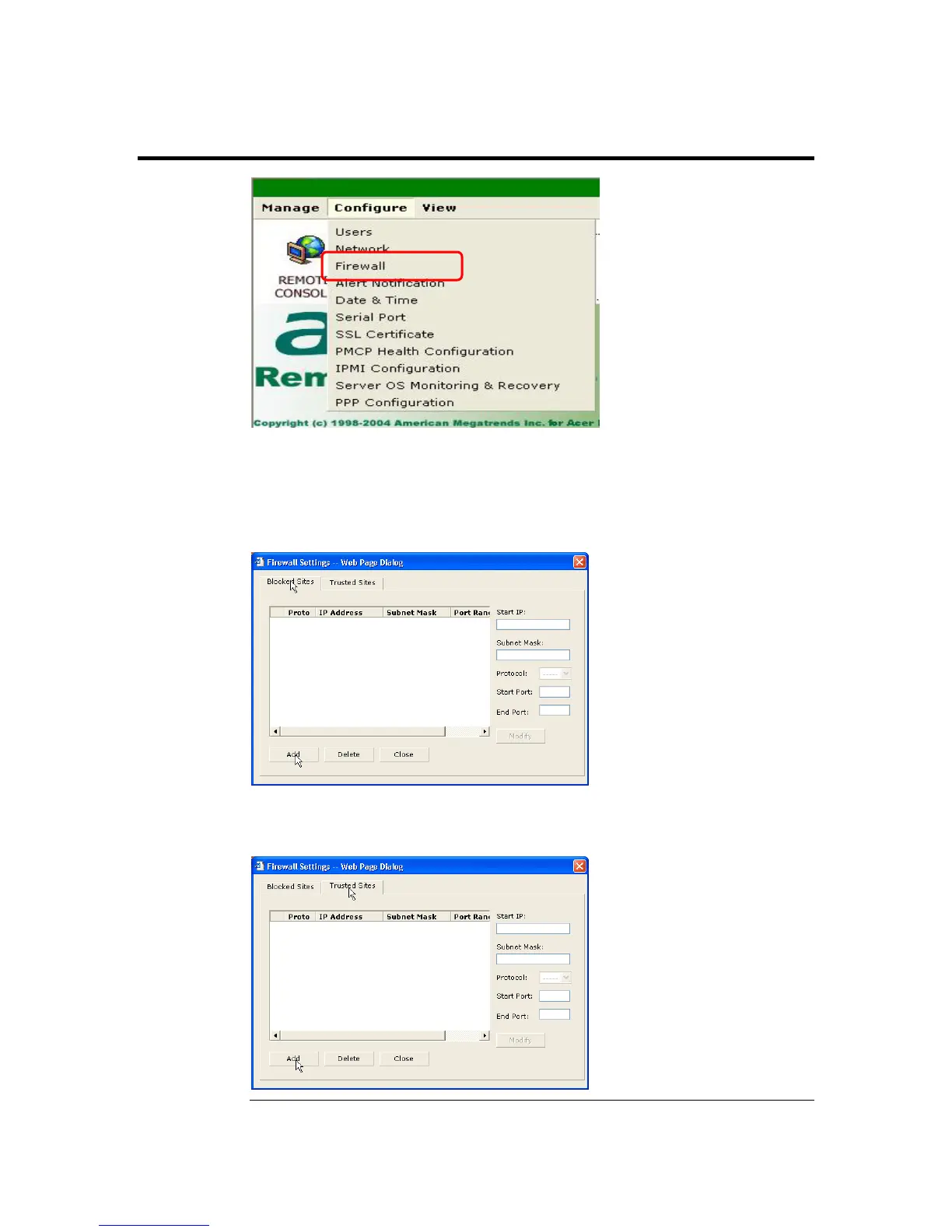
Firewall
Left click the Firewall menu item to configure the IP access parameters of the ARMC/2.
The Firewall Settings dialog box opens. Here you can enter IP addresses to block or
allow. You can also specify which ports to block or allow.
Left click the Blocked Sites tab to enter a range of IP addresses that you want to block.
Left click the Trusted Sites tab to enter a range of IP addresses that you want to always
allow.
Cont’d
ARMC/2 User’s Guide
90



 To Next Page