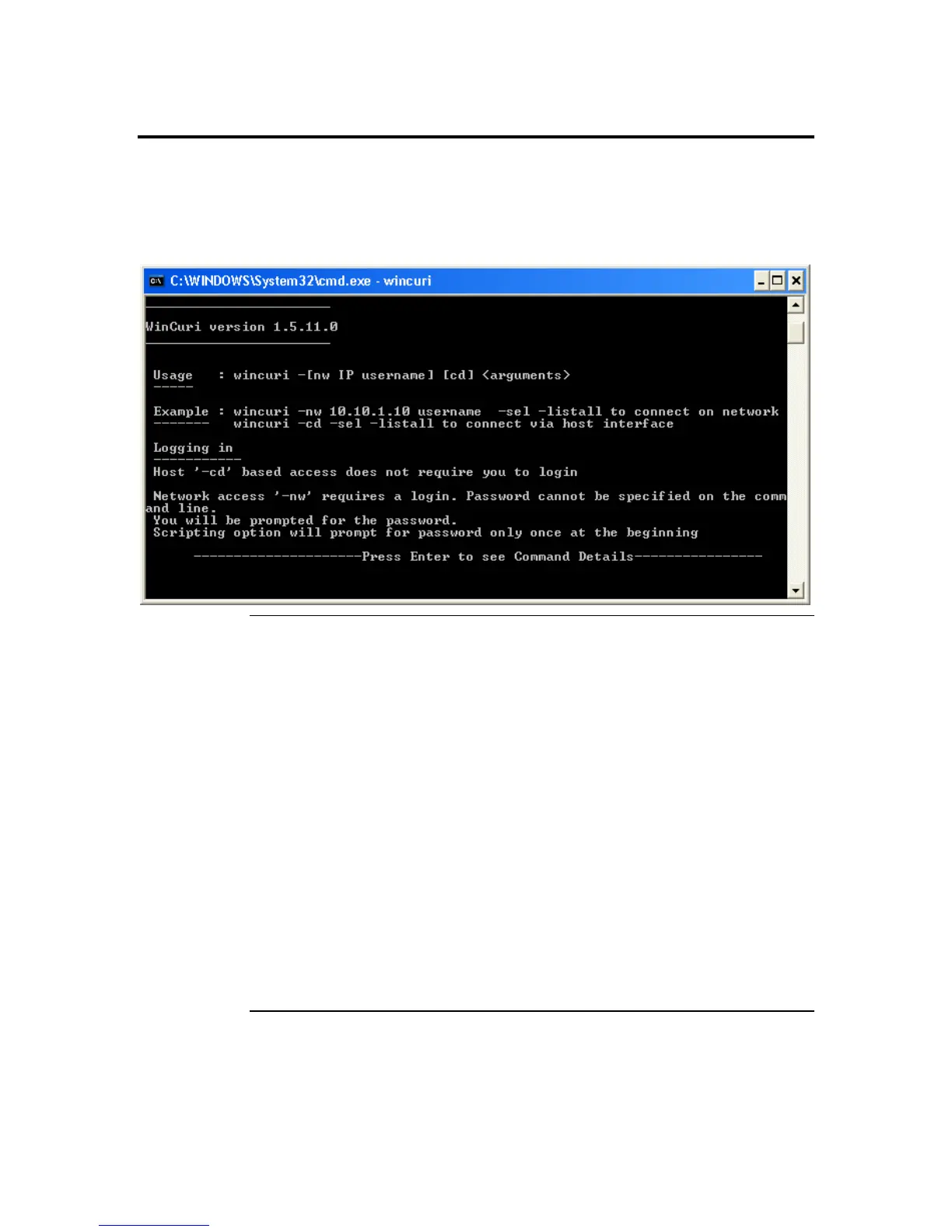
WinCuri
The WinCuri program is a command prompt-based program that you can use to configure
the ARMC/2 card. It allows you all the functionality of both the Internet browser-based
Remote Access Companion for ARMC/2 and the ARMC2ConfigApp program.
To run the WinCuri program, double left click the WinCuri.exe icon.
WinCuri.exe Help File
_______________________
WinCuri version 1.5.11.0
_______________________
Usage : wincuri.exe -[nw IP username] [cd] <arguments>
-----
Example : wincuri.exe -nw 10.10.1.10 username -sel -listall to connect on
network
------- wincuri.exe -cd -sel -listall to connect via host interface
Logging in
-----------
Host '-cd' based access does not require you to login
Network access '-nw' requires a login. Password cannot be specified on the
command line.
You will be prompted for the password.
Scripting option will prompt for password only once at the beginning
Cont’d
ARMC/2 User’s Guide
120



 To Next Page