Reset ARMC/2
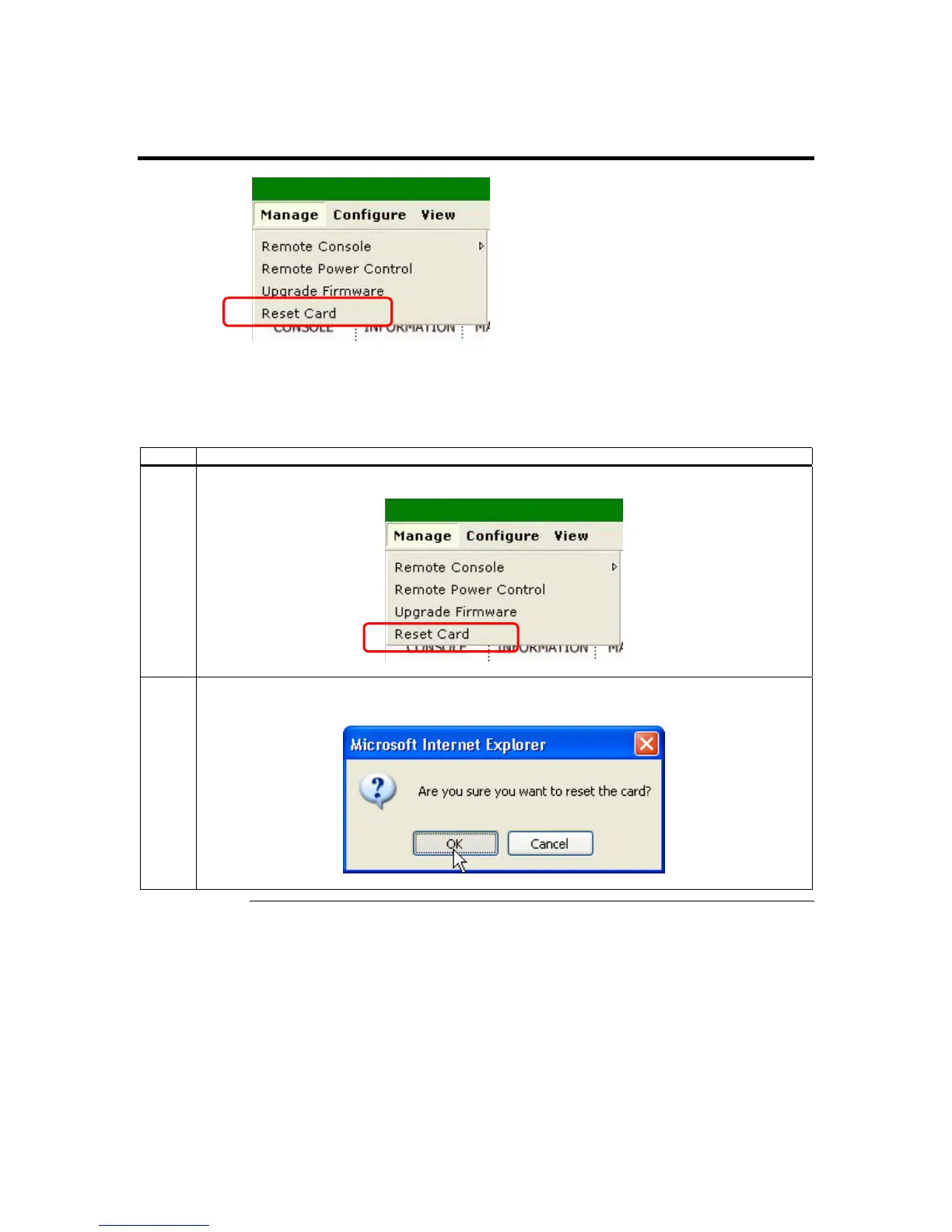
The Reset ARMC/2 menu item is a subsection of the Manage group. The Reset ARMC/2
is used to reset your ARMC/2 card.
Follow the steps in the table below to reset your ARMC/2 card:
Step Description
1 Left click the Manage menu item and then the Reset ARMC/2 menu item.
2 A confirmation dialog box opens. Left click the OK button to verify that you want to reset the
ARMC/2 card.
Cont’d
Chapter Four : Using Your ARMC/2
81



 To Next Page