ARMC2ConfigApp, Continued
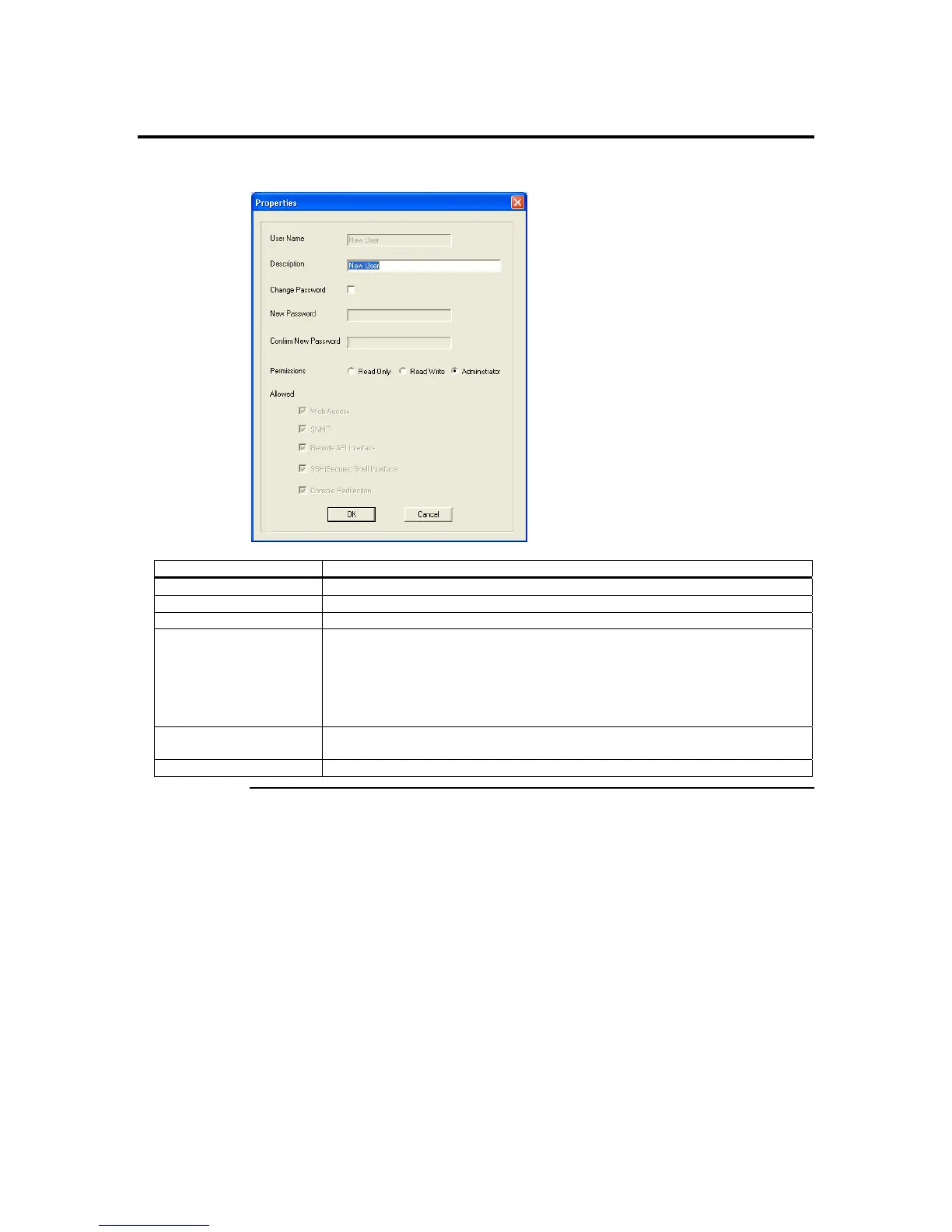
User Properties
Field/ Button Description
User Name The selected ARMC/2 card user is displayed in this field. It cannot be changed.
Description You can view and modify the short description for this account.
Change Password Left click this box if you want to change the user’s password.
New Password After you check the Change Password box, you can use this field to enter the
new password.
Note: The password must be a minimum of eight characters and a maximum of
32 characters. Use a mixture of alphanumeric and special characters for
better security.
Confirm Password You must reenter the new password. The Confirm Password field allows you to
reenter the user’s new password.
Permissions You can view and modify the permission level for this account.
Appendix D : Troubleshooting
117



 To Next Page