ARMC2ConfigApp, Continued
User Manager Tab
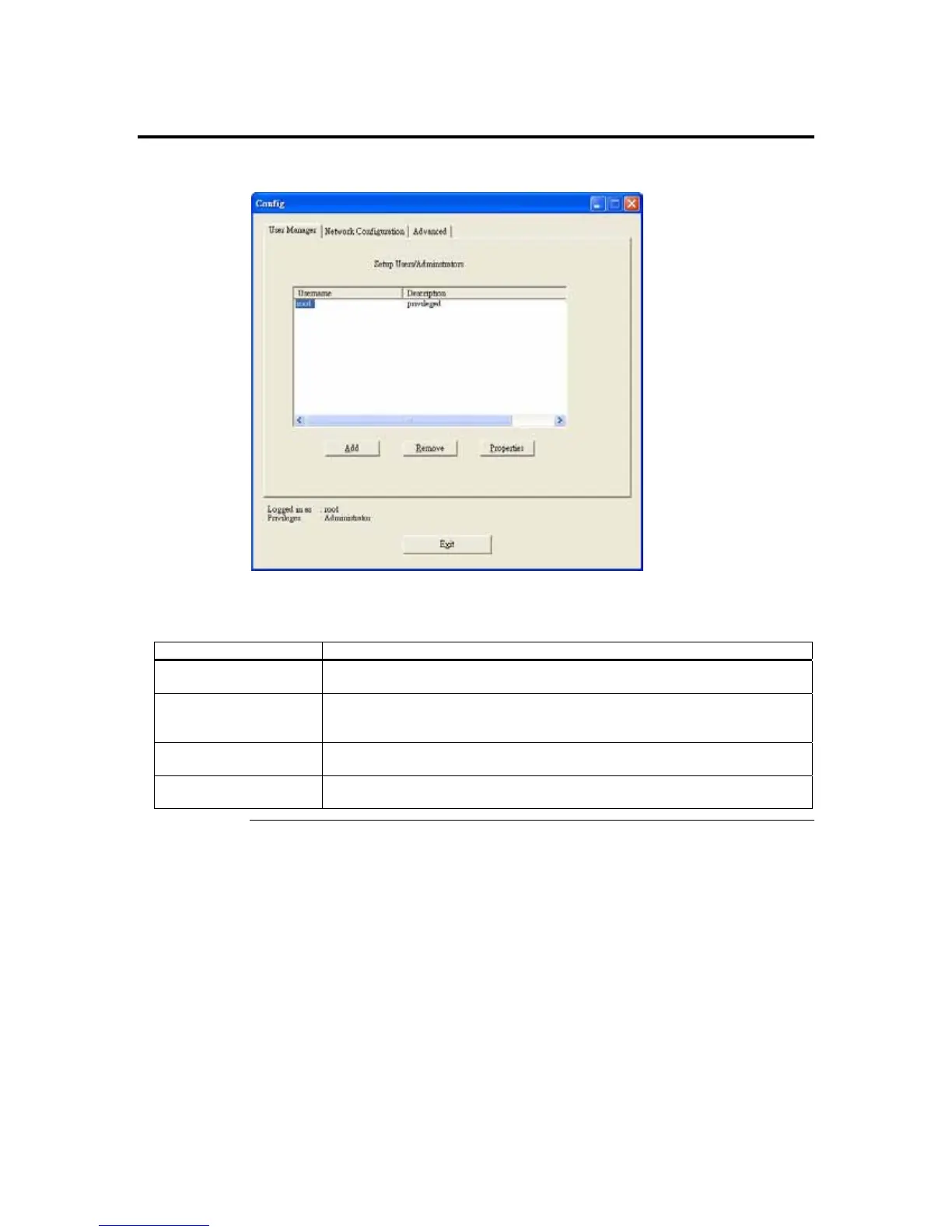
The User Manager tab allows you to manage the ARMC/2 card’s users. Here you can
add, delete, and modify users.
Field/ Button Description
Add Button The Add button allows you to add a new administrator to the ARMC/2 card’s
user list. The user name must be no more than eight characters long.
Remove Button The Remove button allows you to delete an existing administrator from the
user list. Simply highlight the account name that you want to remove and left
click the Remove button.
Properties Button The Properties button allows you to view and edit an existing administrator’s
record.
Exit Button The Exit button allows you to log off the ARMC/2 Card Configuration
program.
Cont’d
Appendix D : Troubleshooting
115



 To Next Page