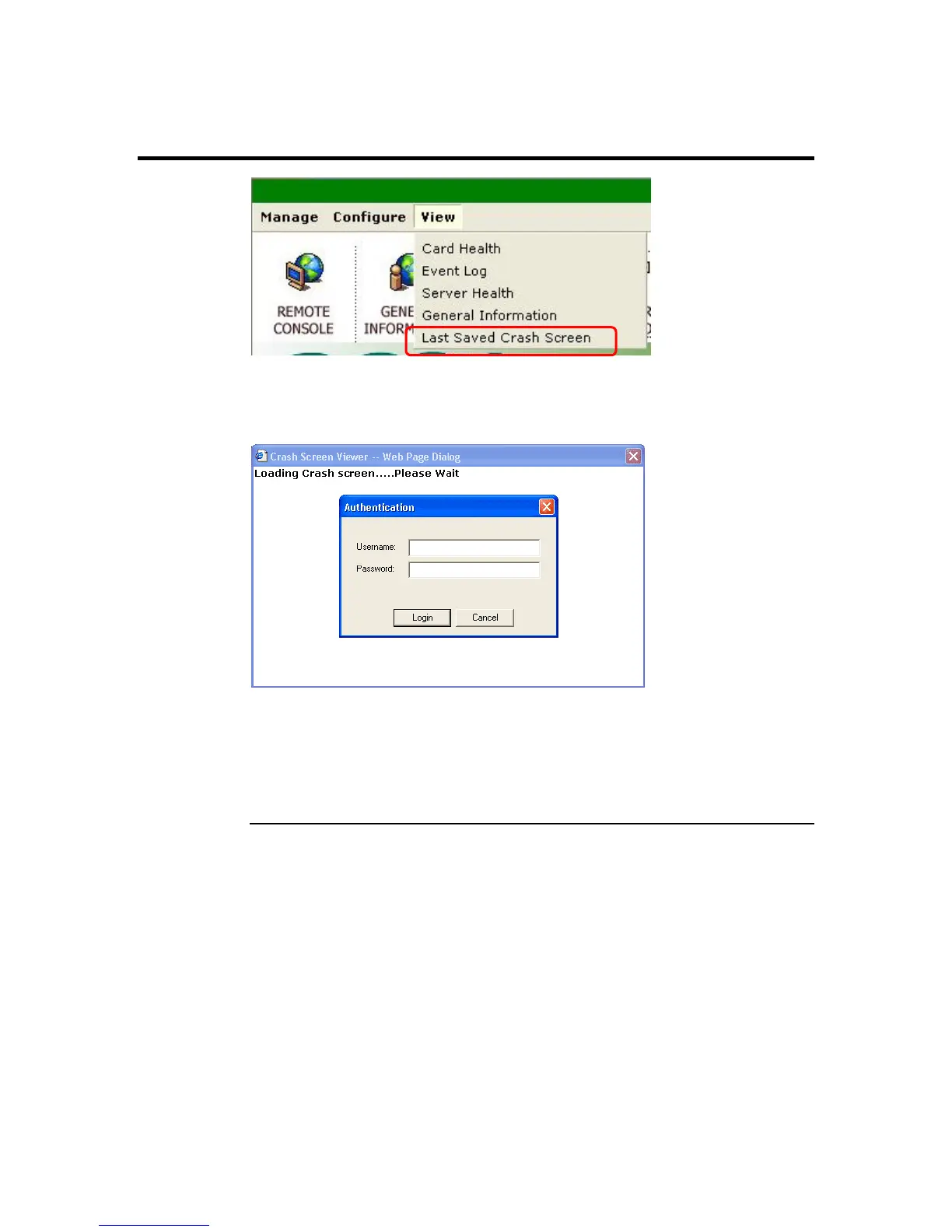
Last Saved Crash Screen
This menu item allows you to view the last text-based screen in the event that the host
system locks up or freezes during a blue screen. This is useful because it allows you to
troubleshoot the host system. You will be prompted to login.
Note: The maximum size that the Crash Screen image can be is 50 Kb. Because of this, only
one Crash Screen image can be saved. Also, only text-based crashes can be captured.
Graphics-based freezes and lock ups are not captured to the Crash Screen program.
Note: You cannot flush a captured Crash Screen image from the ARMC/2 card’s memory. It
will automatically be erased when another Crash Screen image is saved.
ARMC/2 User’s Guide
110



 To Next Page