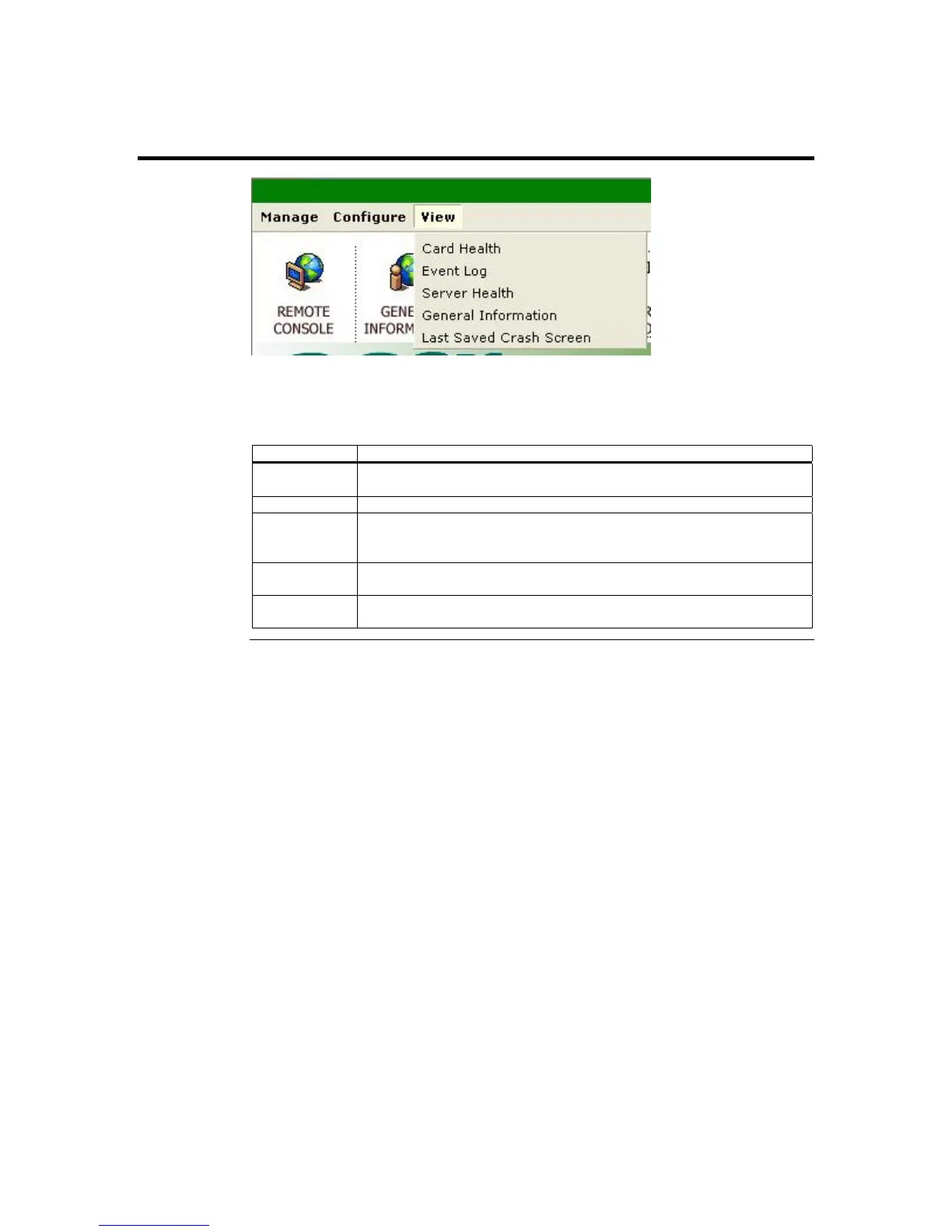
View Group
You can left click on the View menu item from the menu bar. The following table gives
you a brief description of each menu item. Each menu item is explained in more detail
further in this section.
Function Description
Card Health This menu item allows you to view the health information of the
ARMC/2 card.
Event Log This menu item allows you to view and clear the event logs.
Server Health This menu item allows you to view the host system’s health information
based on the sensor readings and platform management configuration
information.
General
Information
This menu item allows you to view general information about the
ARMC/2.
Last Saved
Crash Screen
This menu item allows you to view the last text screen on the host system
before it locked up.
ARMC/2 User’s Guide
104



 To Next Page