ARMC2ConfigApp, Continued
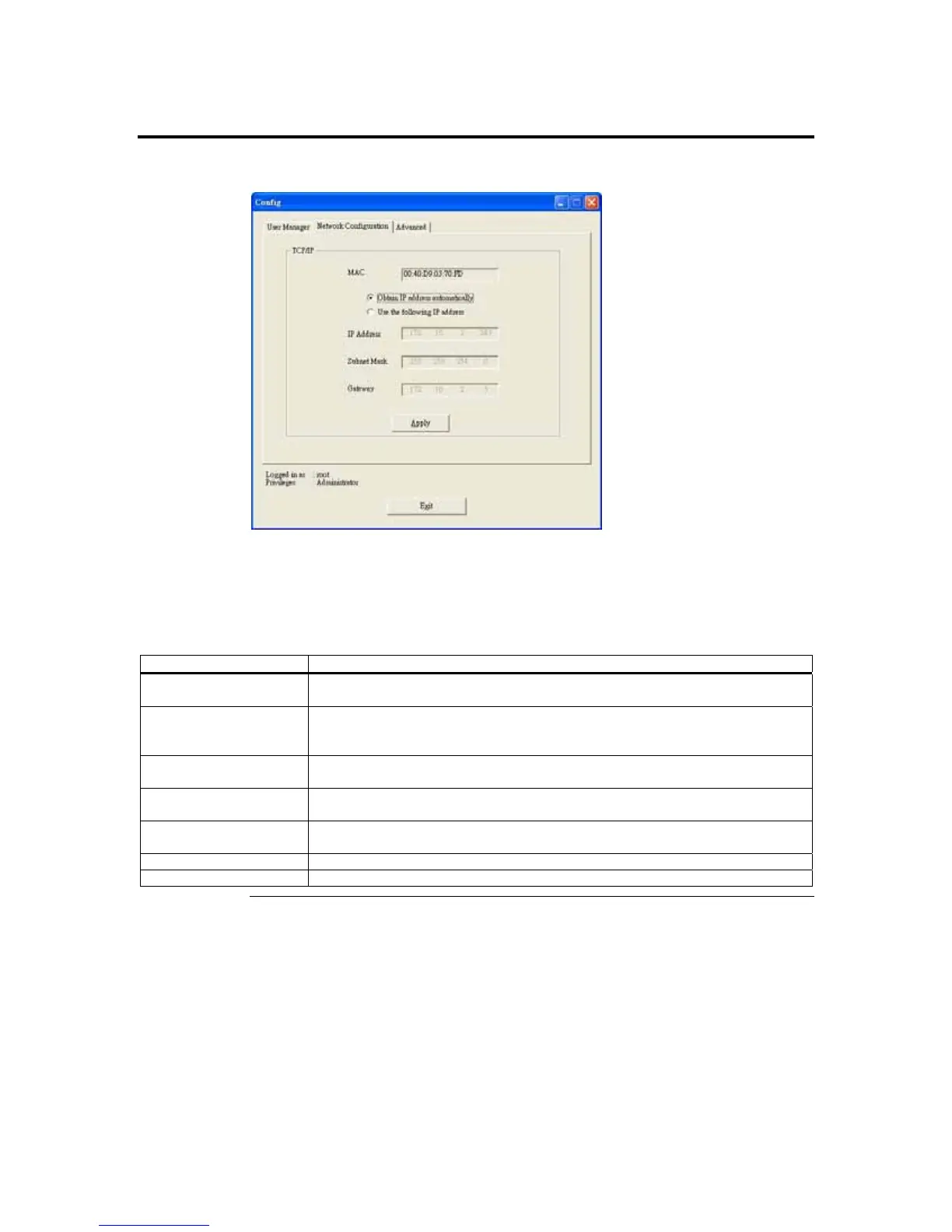
Network Configuration Tab
The Network Configuration tab allows you to change the way the ARMC/2 card connects
to the network. By default, the ARMC/2 card obtains an IP address dynamically via
DHCP. You can change this by specifying the IP address, network mask, and gateway.
The Network Configuration fields are explained below:
Field/ Button Description
MAC Address The MAC Address field displays the current MAC and PHY unique hardware
address.
Configuration Method The Configuration Method buttons allows you to select the network configuration
method. You can choose either Obtain IP address automatically (DHCP) or Use
the following IP address (STATIC) method.
IP Address The Internet Address field allows you to specify a new IP address when you use a
STATIC configuration method.
Subnet Mask The Network Mask field allows you to specify a new network mask when you use
a STATIC configuration method.
Gateway The Gateway field allows you to specify a gateway when you use a STATIC
configuration method.
Apply Button The Apply button allows you to save your New Network Configuration.
Exit Button The Exit button allows you to log off the ARMC/2 Card Configuration program.
Cont’d
ARMC/2 User’s Guide
118



 To Next Page