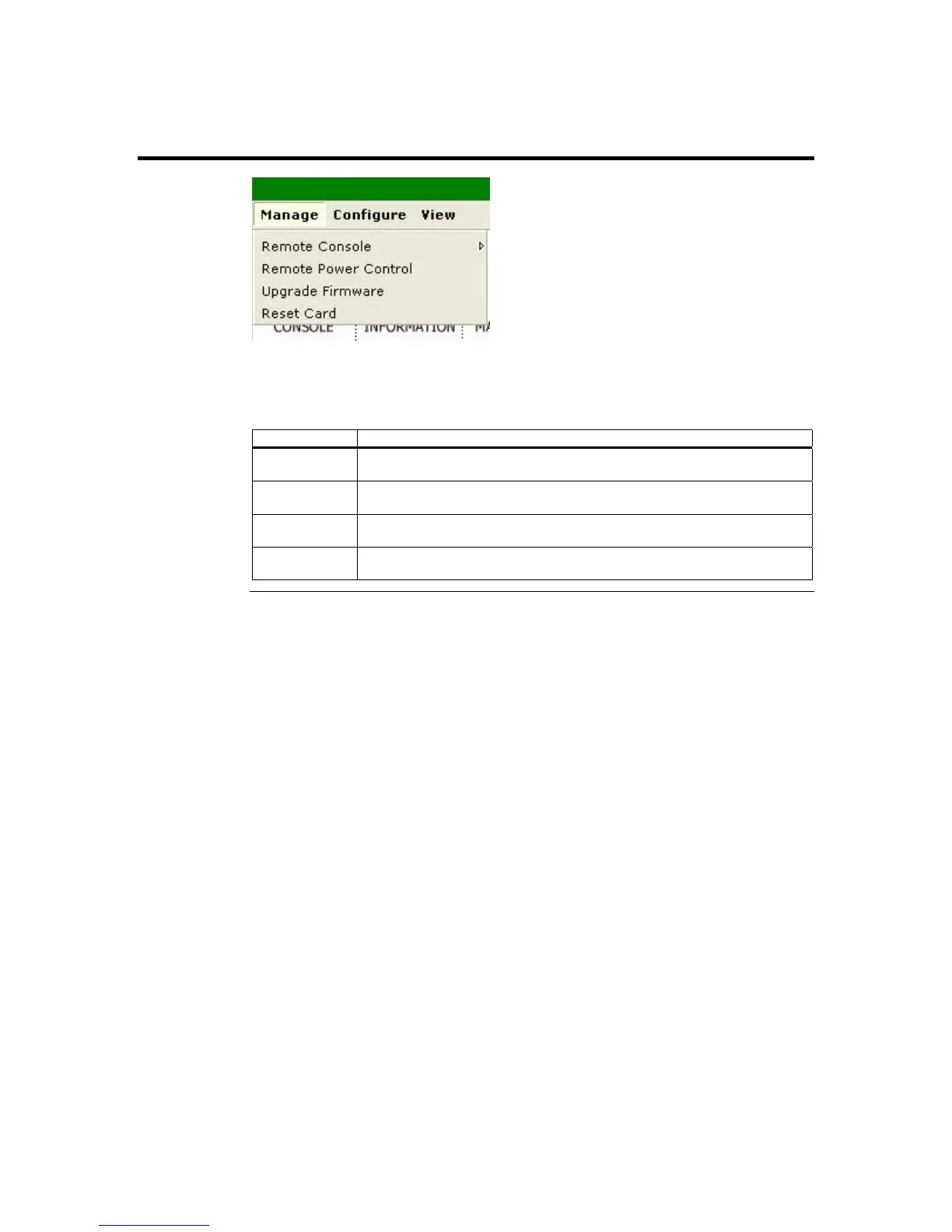
Manage Group
You can left click on the Manage menu item from the menu bar. The following table
gives you a brief description of each menu item. Each menu item is explained in more
detail further in this section.
Function Description
Remote
Console
This menu item allows you to start a Remote Console session with the
host system.
Remote Power
Control
This menu item allows you to power on, power off, power cycle, and reset
the host system.
Upgrade
Firmware
This menu item allows you to update your ARMC/2’s firmware.
Reset
ARMC/2
This menu item allows you to reset your ARMC/2 card.
ARMC/2 User’s Guide
42



 To Next Page