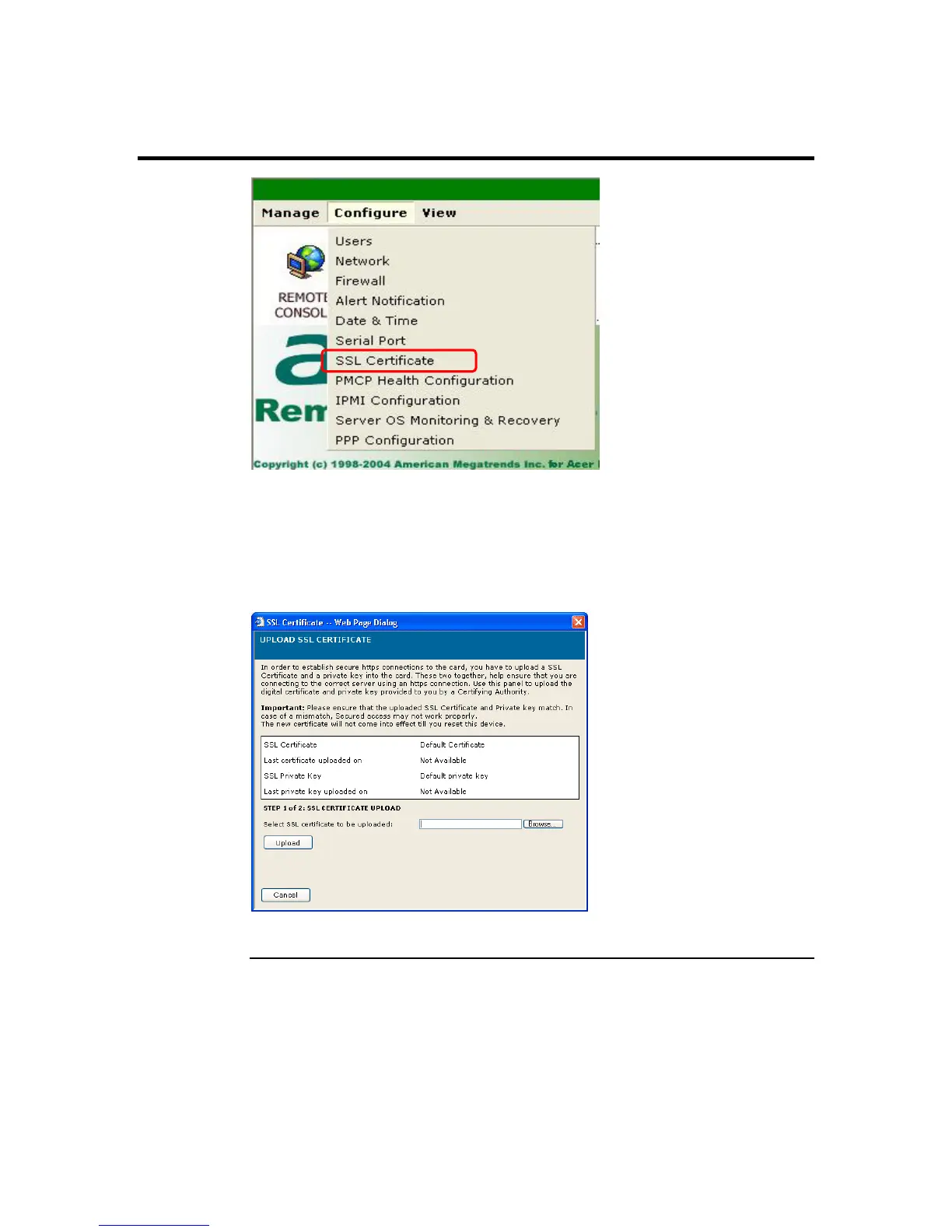
SSL Certificate
Left click the SSL Certificate menu item to configure the security parameters of the
ARMC/2. The Upload SSL Certificate dialog box opens. Here you can upload an SSL
Certificate and SSL Private Key to use when accessing your ARMC/2.
Use the Browse button to search for your SSL Certificate or Private Key. Both types of
files have a PEM file extension.
Note: The ARMC/2 does not support pass-phrase encrypted certificates.
Cont’d
Chapter Four : Using Your ARMC/2
95



 To Next Page