Screen Distortion, Continued
Symptom, Continued
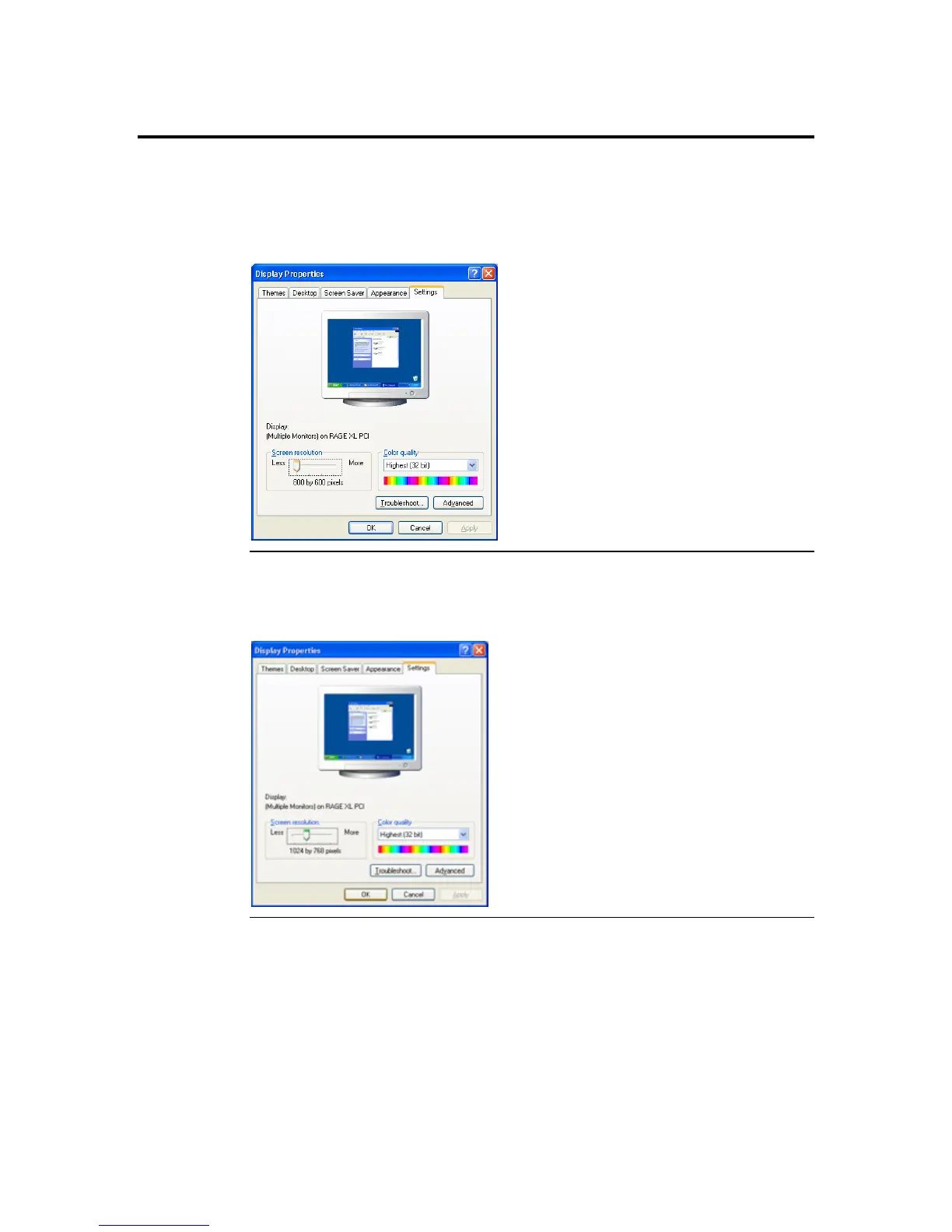
When the analog signal is set lower than 1024x768 (for example: 800x600), the ARMC/2
card’s video controller will use ratio metric expansion to bring the screen to 1024x768.
Because of this, the screen will become blurry.
Solution
To correct this, set the screen resolution on the host system to 1024x768.
Appendix D : Troubleshooting
133



 To Next Page