Chapter 4 Using Your ARMC/2
ARMC/2 GUI Overview
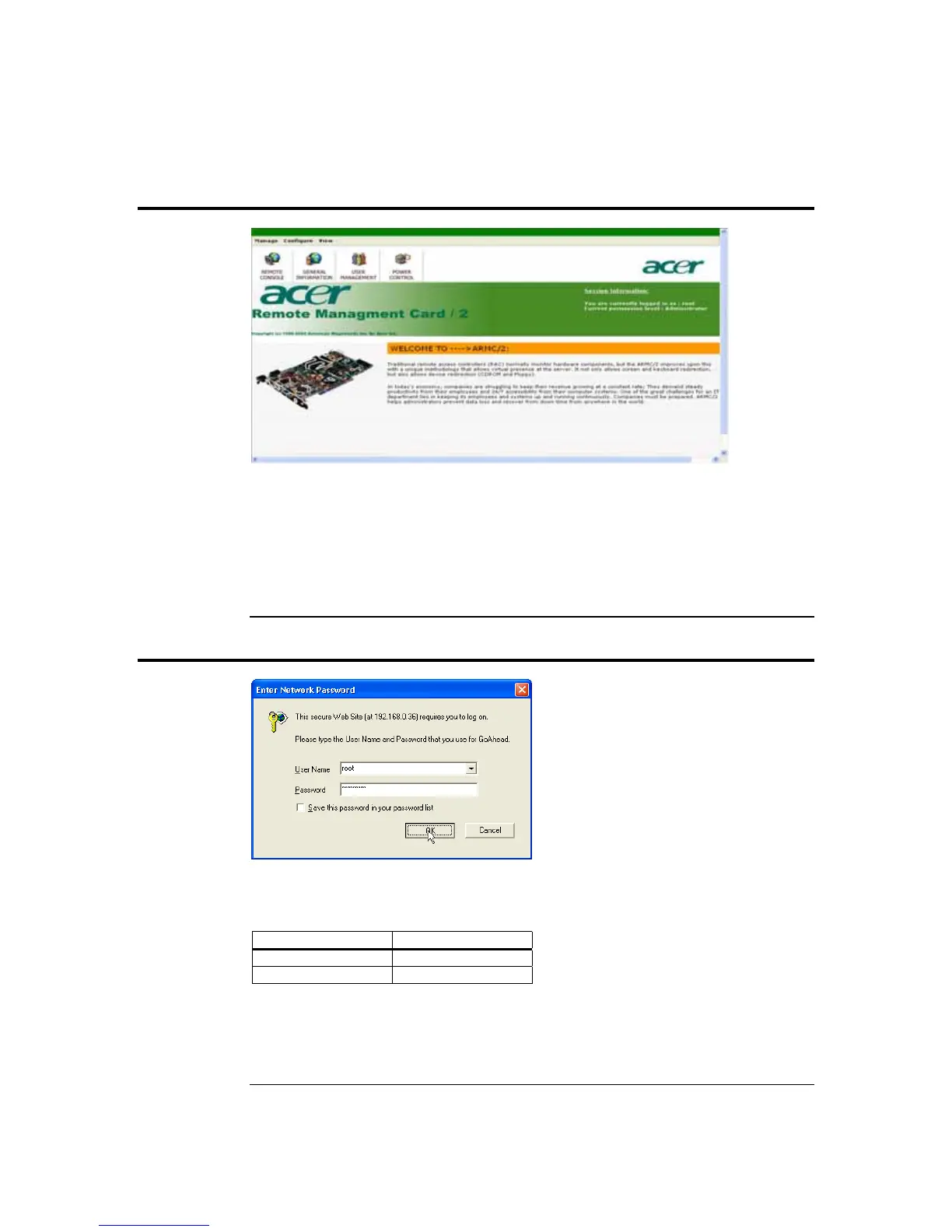
The ARMC/2 has a user-friendly Graphics User Interface (GUI) called the ARMC/2 GUI.
It is designed to be easy to use. It has a low learning curve because it uses a standard
Internet browser. You can expect to be up and running in less than five minutes.
This chapter allows you to become familiar with the ARMC/2 GUI’s various functions.
Each function is described in detail.
Default User Name and Password
When you first try to access your ARMC/2, you will be prompted to enter a user name
and password. The default user name and password are as follows:
Field Default
User Name root
Password
superuser
Note: The default user name and password are in lower-case characters.
Note:
When you log in using the root user name and password, you have full administrative powers. It
is advised that once you log in, you change the root password.
Chapter Four : Using Your ARMC/2
39



 To Next Page