Redirection, Continued
Stop CD-ROM Drive Redirection
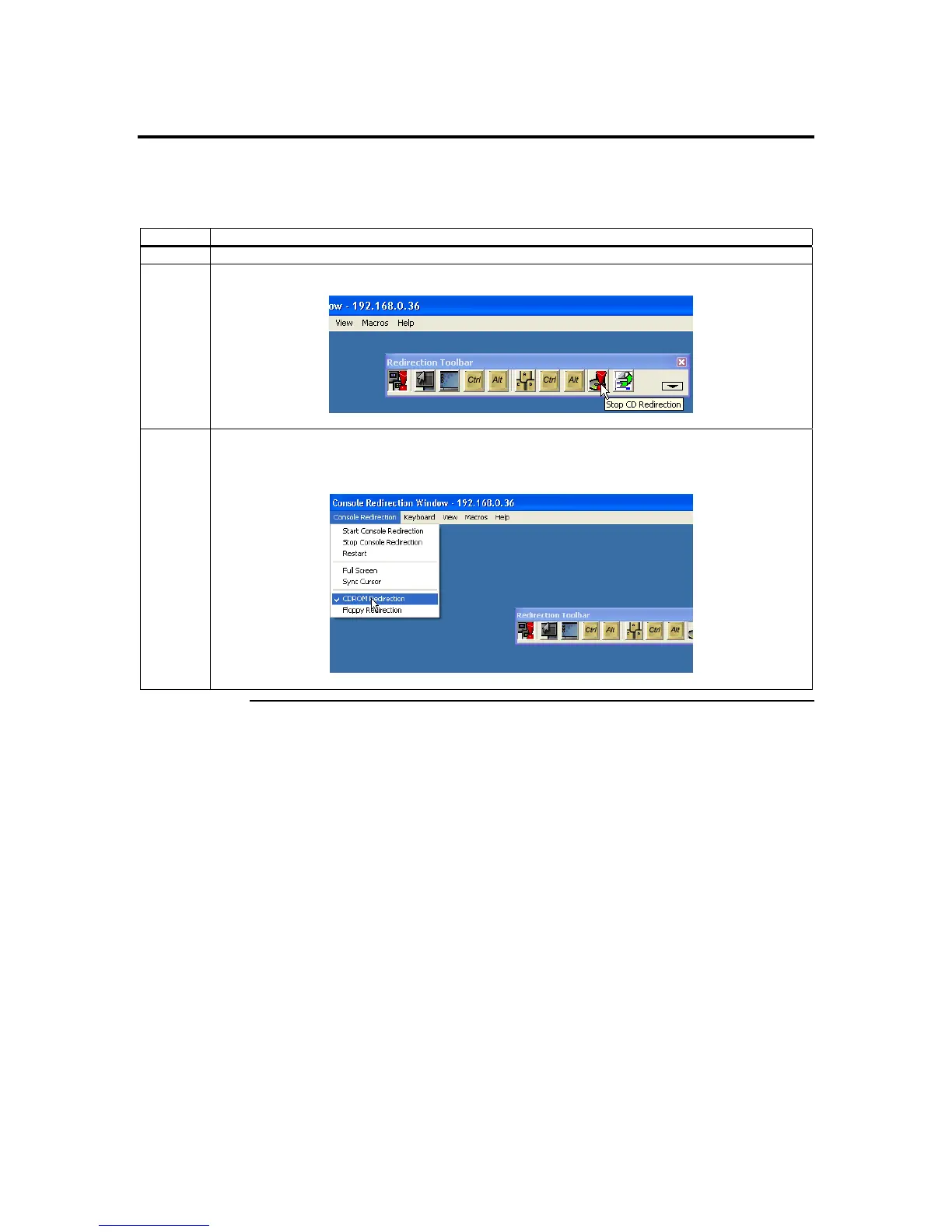
There are a number of ways to stop CD-ROM Drive Redirection. See the following table:
Method Description
1 Use the keyboard shortcut keys, <ATL> + <E>, to stop CD-ROM Drive Redirection.
2 Use the Console Redirection toolbar. Simply left click the CD-ROM Drive Redirection icon.
3 Use the Console Redirection dropdown menu. Left click the Console Redirection dropdown menu.
You will notice a check next to the CDROM Redirection menu item. Left click the CDROM
Redirection menu item to stop the CD-ROM Drive Redirection.
Cont’d
Chapter Four : Using Your ARMC/2
59



 To Next Page