Upgrade Firmware, Continued
Updating Your ARMC/2’s Firmware, Continued
Step Description
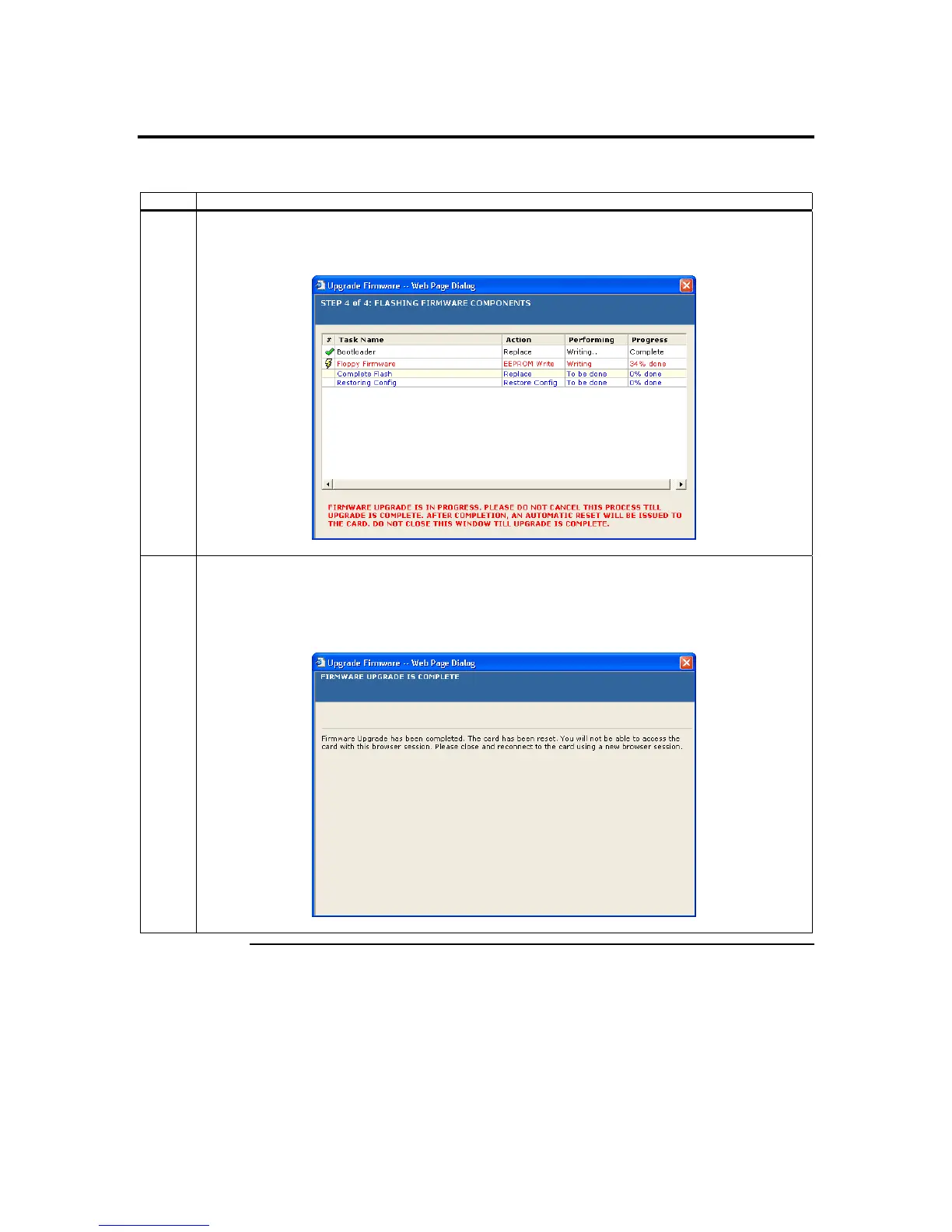
10 When you see this screen, it means that the firmware image is being upgraded. Once the upgrade’s
progress reaches 100%, it is complete. The ARMC/2 will reset itself. You must close the browser
and reconnect to the ARMC/2 once this process is complete.
11 After the Firmware Upgrade Wizard has been completed successfully, the ARMC/2 will
automatically reset itself. This is done in order for the image upgrade to take effect. You cannot
perform any other operation within your current Internet browser session
Close your Internet browser session and reconnect to your ARMC/2.
ARMC/2 User’s Guide
80



 To Next Page