Redirection, Continued
Setting up Internet Explorer, Continued
Step Description
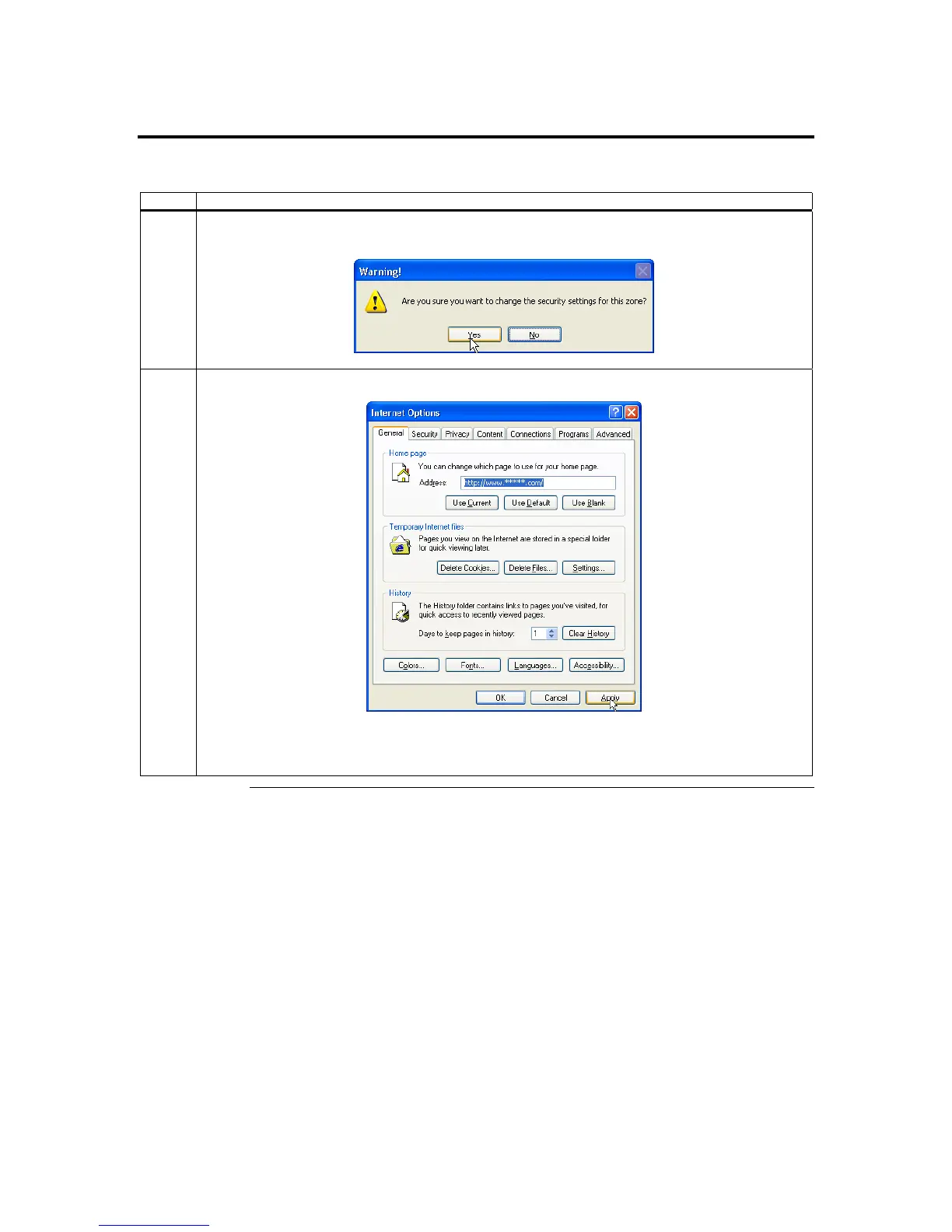
7 You are prompted with a Warning window. Left click the Yes button to accept the changes to the
Internet zone and to go back to the Internet Options window.
8 Left click the Apply button and then the OK button to make the changes.
Note: You must restart Internet Explorer before the changes take effect.
Note: Remote Console cannot run with any other security settings in Internet Explorer.
Cont’d
Chapter Four : Using Your ARMC/2
47



 To Next Page