28
2.2.2 Diagnostic center and screenshot
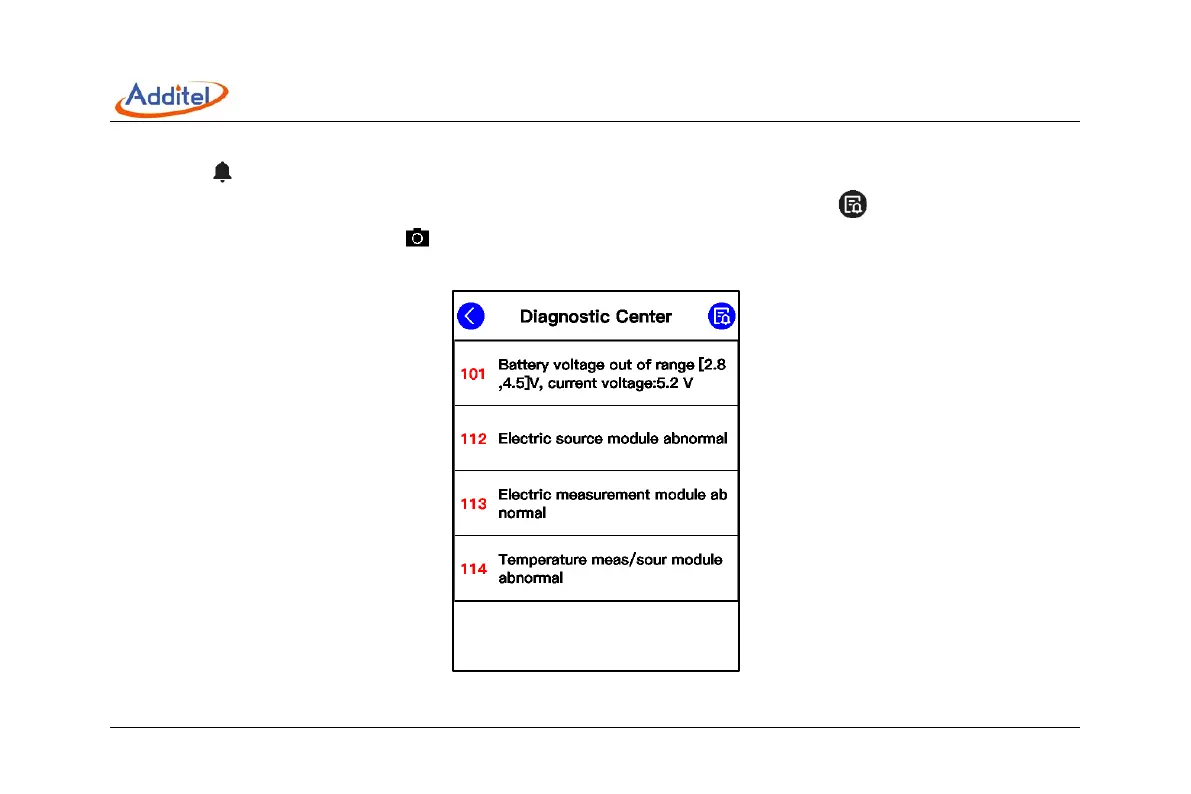
Click icon in the control center to open the diagnostic center, which shows the real-time diagnostic hardware status
of the device. If some of the functions fail, check the cause here, as in Figure 5. Click icon in the diagnostic center to
see the historic abnormal log. Click icon to take the snapshot, which can be viewed or deleted in data management
APP.
Figure 5 Diagnostic center



 To Next Page