29
2.2.3 Shortcut settings
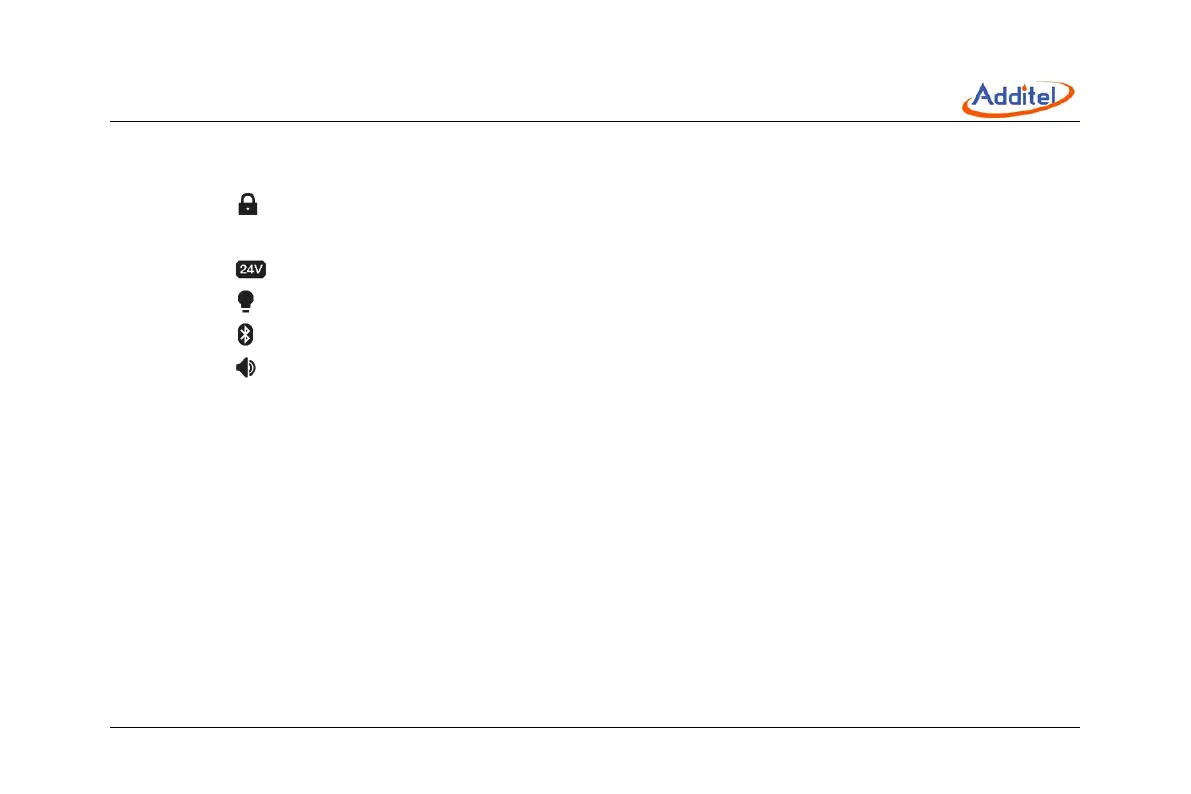
The control center provides series of shortcut settings:
1. Click icon to lock the screen, any touch operation and physical keys except the control center and power are
invalid during lock.
2. Click icon to open and close 24V loop power supply.
3. Click icon to open and close the backlight.
4. Click icon to open and close Bluetooth.
5. Click icon to enable and disable system sound.



 To Next Page