61
the custom step output point editing interface, each cell can be modified independently. Click the up and down buttons in
the operation bar on the right, or directly enter the step point number, and it can be divided equally within the current step
output range to get the corresponding number of output points. In addition, the edit bar also provides functions such as
"select", "select all", "reverse selection", "delete", "positive order", "reverse order", etc.
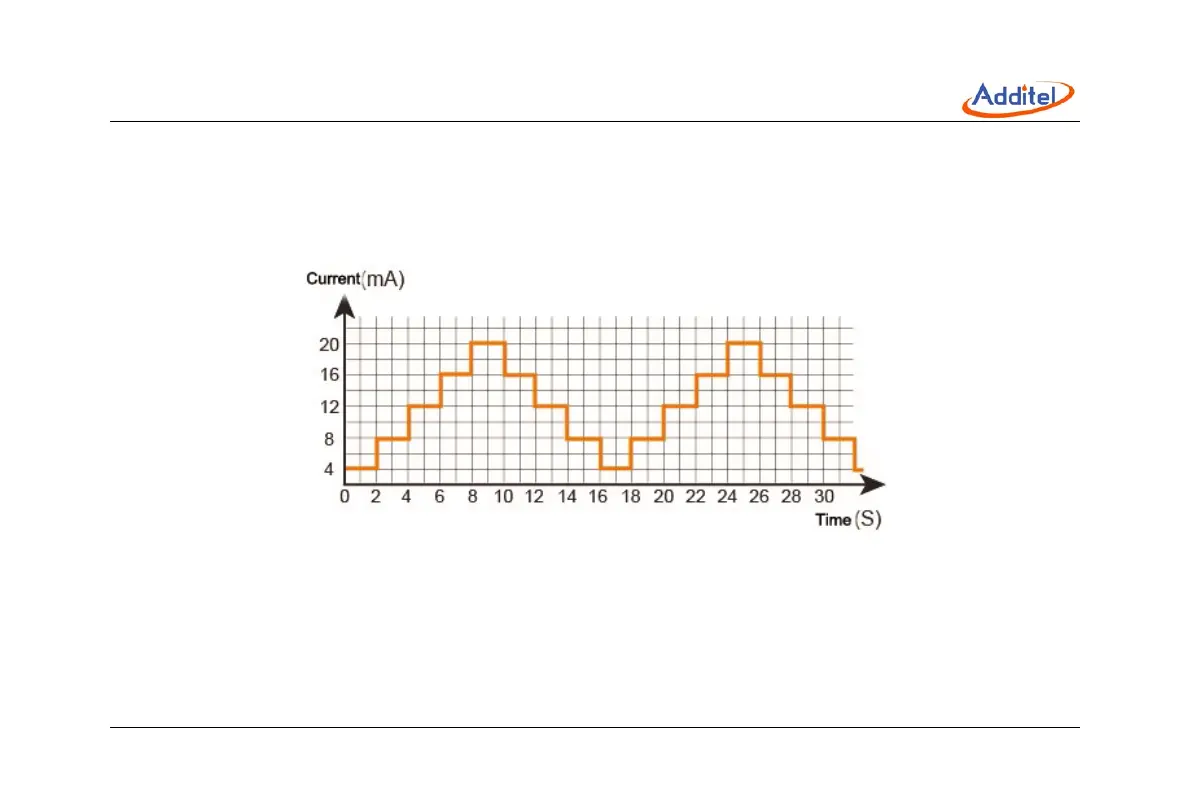
Figure 26 Automatic step customize output points



 To Next Page