92
4. Start the task
For part of the content, refer to Start the task in paragraph 6.1.1.
The calibrator will automatically use the measured value of the voltage or current option according to the DUT
output type set by the user, no manual input required.
5. Finish the task
Refer to Finish the task in paragraph 6.1.1.
6.3.2 Instantaneous flowmeter
1. Connect to DUT
According to the type of the DUT, connect the DUT input with the current output (Figure 22), voltage/ frequency
output (Figure 21) of the calibrator’s electrical output module.
2. Create the task
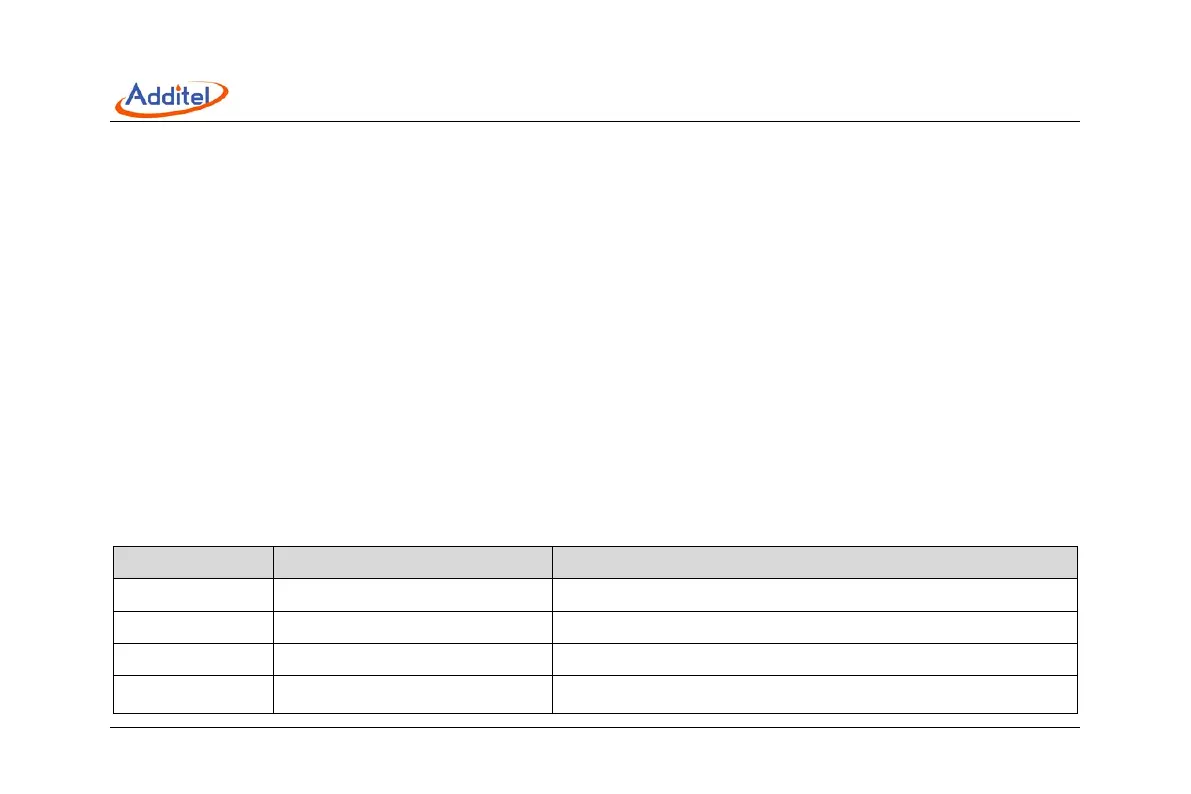
Create the corresponding DUT tasks as described above and fulfill the necessary information. See Table 31.
Table 31 Instantaneous flowmeter task setting
Subject Valid value Description
Name Numbers, letters, symbols Task name
S/N Numbers, letters, symbols Task S/N
Model Numbers, letters, symbols Model of DUT
Input Numbers
Input range of DUT, switch the unit to change the input signal type
(current/ voltage/ frequency)



 To Next Page