62
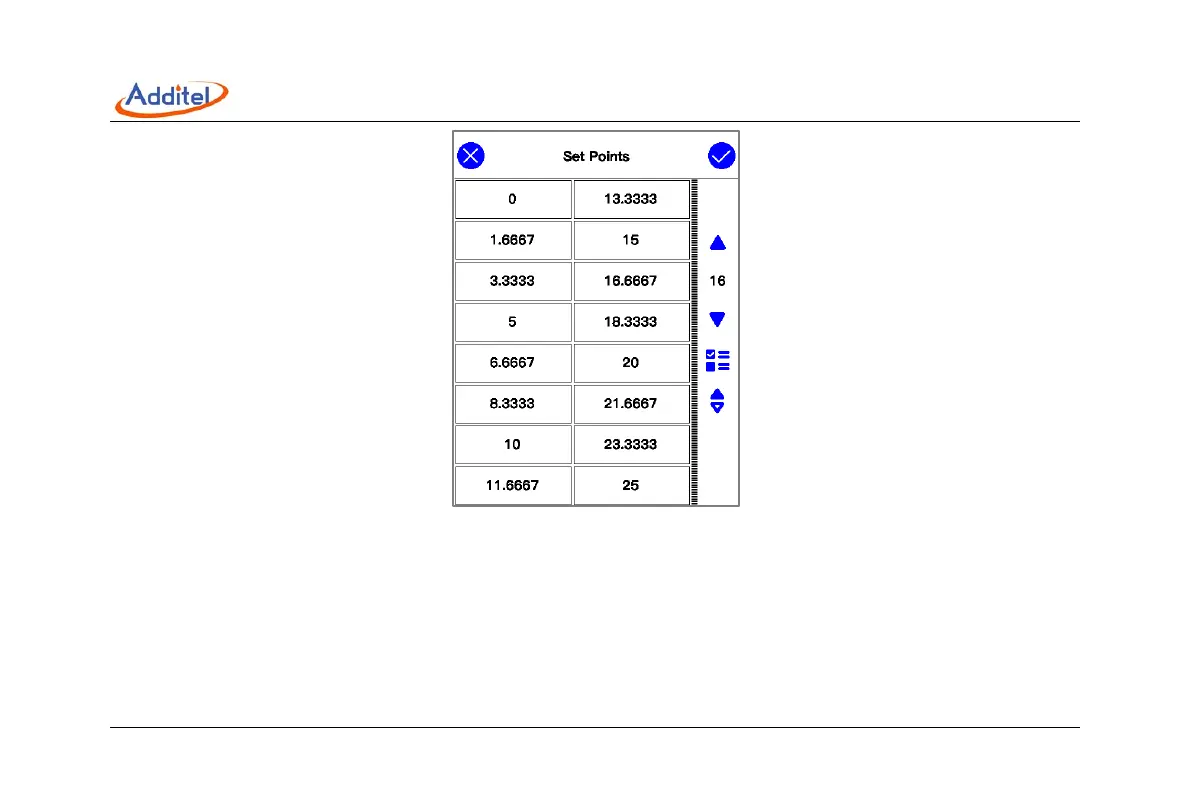
Figure 27 Automatic step customize output points
3.5.10 Manually step output
The current, voltage and frequency output of the calibrator can all be output using the manual step function. Open the
setting menu of the corresponding item and click the "Manual step" menu item to enter the manual step mode. The
manual step mode allows users to customize the manual step output range, and output according to any percentage
step. Click the left or right button under the channel to adjust the output value according to the currently set step.



 To Next Page