ADT-HC4500 Flame/Plasma Cutting Machine CNC System
- 55 -
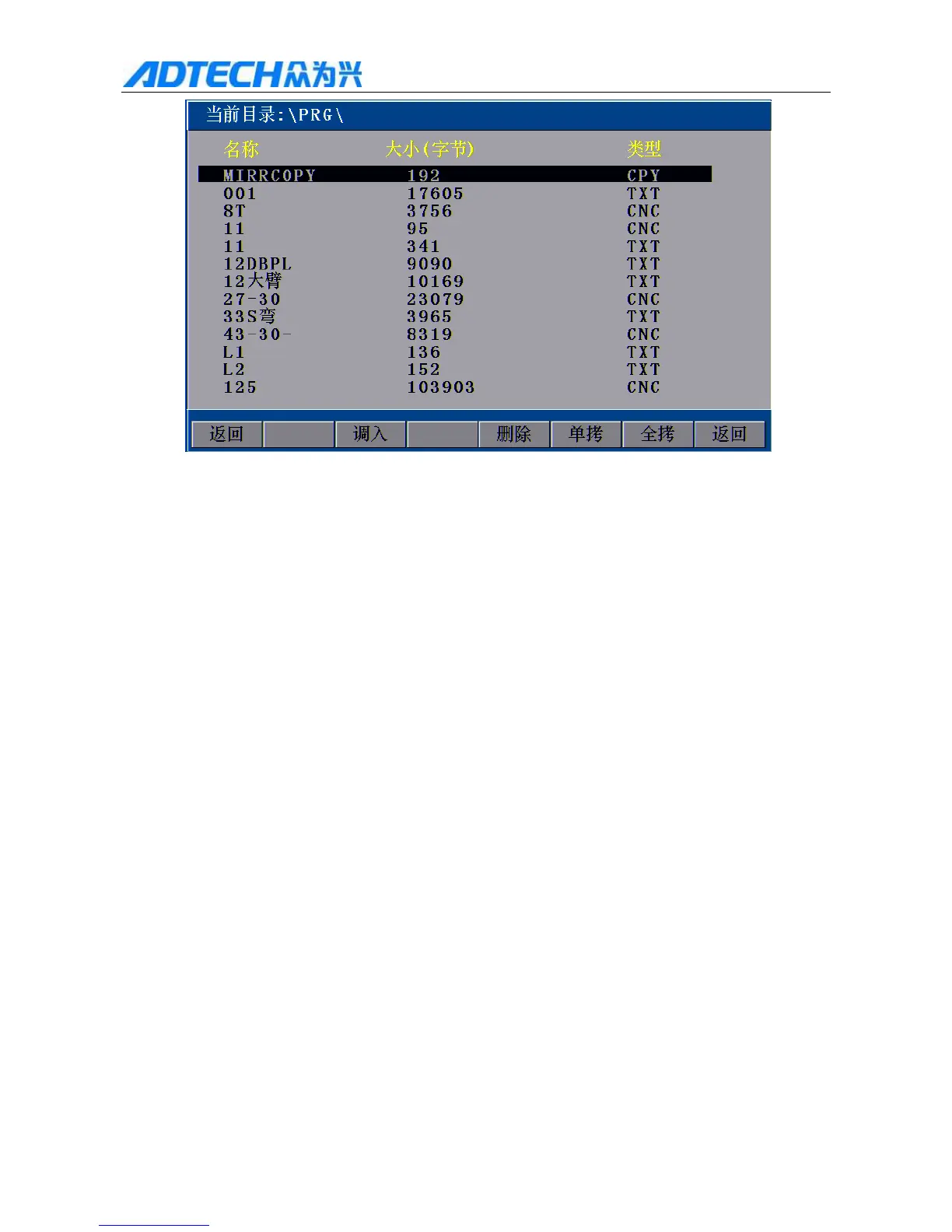
Current directory:
Name / Size (byte) / Type
Return / Import / Delete / Copy / Copy all / Return
Fig. 3.1.2 File Importing Interface
In above interface, press [F][F] to select a processing file, and then press [F2] or [OK] to select, and then
enter the processing code edit interface. Please refer to “3.2 Edit Processing File” for file editing.
2) [INS] key: Activate the help of current interface.
3.1.2.1 Copy
In Fig. 3.1.2 File Importing interface, press [F5] “Copy” to copy current selected processing file from the
controller to USB disk; press [F6] “Copy all” to copy all processing files from the controller to the USB disk.
Prompt: To exit when copying all files, press and hold the Cancel key until exit the copy interface (as shown in
Fig. 3.1.2).



 To Next Page