ADT-HC4500 Flame/Plasma Cutting Machine CNC System
- 54 -
Input method: digital123
Prompt
The file exists. Overwrite?
OK / Cancel
Return / Save / Return
Fig. 3.1.1.2 File Name Already Exists in the System
In this prompt interface, press [OK] to overwrite the original file and enter the interface shown in Fig.
3.1.1.2, or press [Cancel], and the system returns to the interface shown in Fig. 3.1.1.
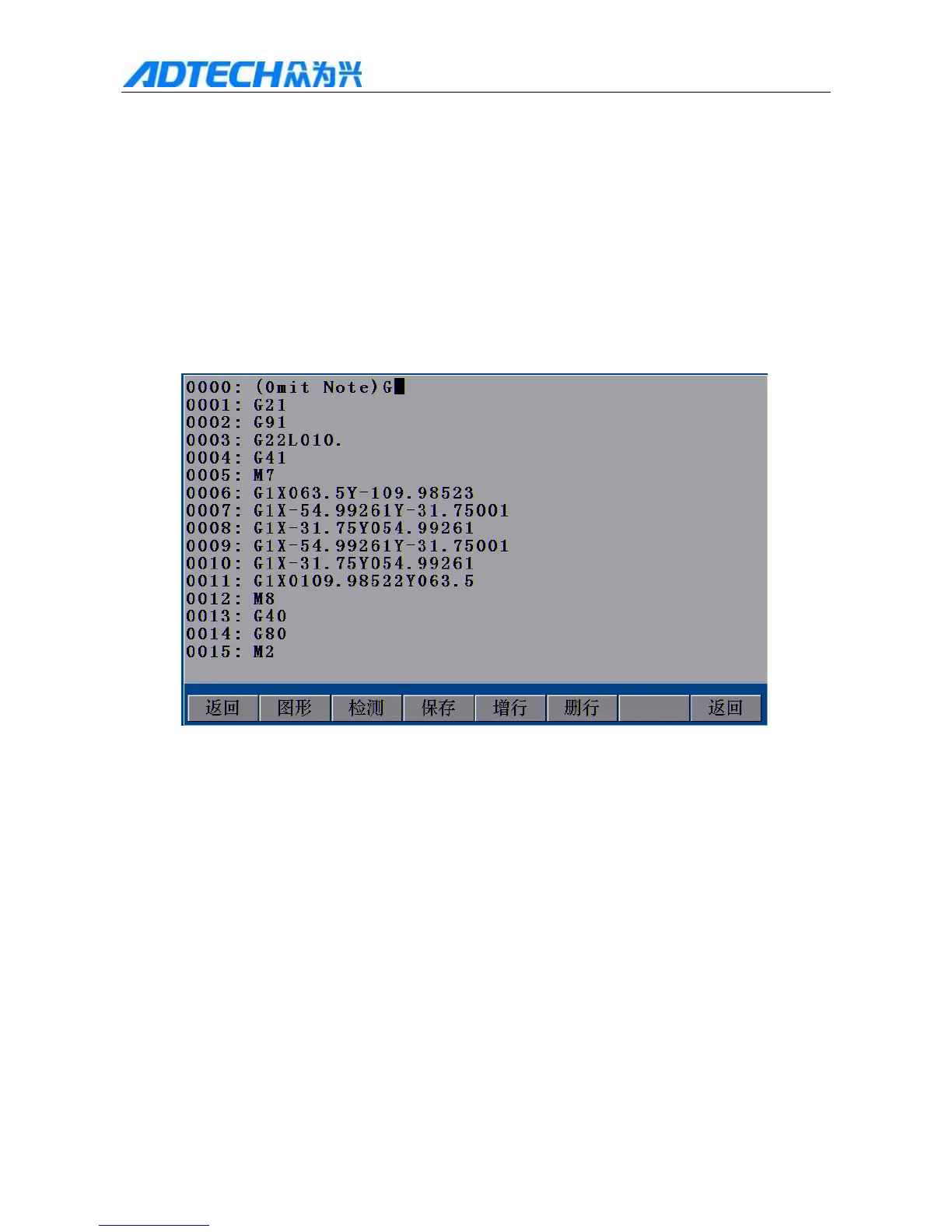
Return / Graphics / Test / Save / Add line / Delete line / Return
Fig. 3.1.1.3 Edit New File Interface
After creating a new processing file, you can edit desired processing file code. Please refer to “3.2 Edit
Processing File” for the specific operation of editing the code.
3.1.2 Import
1) In Fig. 3.1 Edit Menu Option Window, press [F2] to enter file importing interface, as shown below:



 To Next Page