ADT-HC4500 Flame/Plasma Cutting Machine CNC System
- 57 -
Prompt
Delete this file?
OK / Cancel
Return / Import / Delete / Copy / Copy all / Return
Fig. 3.1.2.2 Delete Interface
3.1.3 USB disk
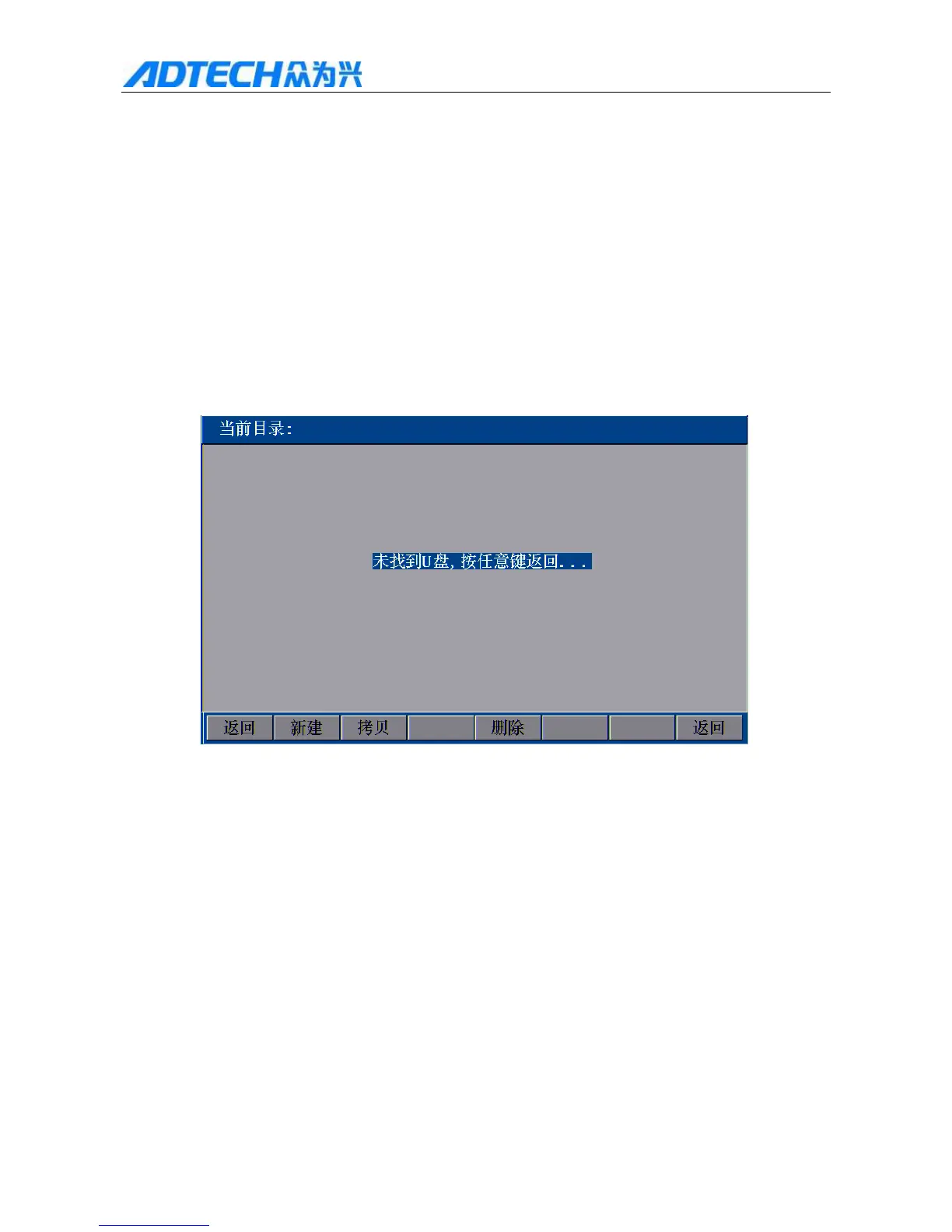
In Fig. 3.1 Edit Menu Option Window, press [F3] to enter USB connection. If the USB disk isn’t connected
properly or is incompatible with the system, the system will pop up the interface below:
Current directory:
UCan’t find USB disk. Press any key to return
Return / New / Copy / Delete / Return
Fig. 3.1.3 USB disk isn’t connected successfully
If the USB disk is connected successfully, the interface will show the file names saved in the USB disk after
initializing, as shown below:



 To Next Page